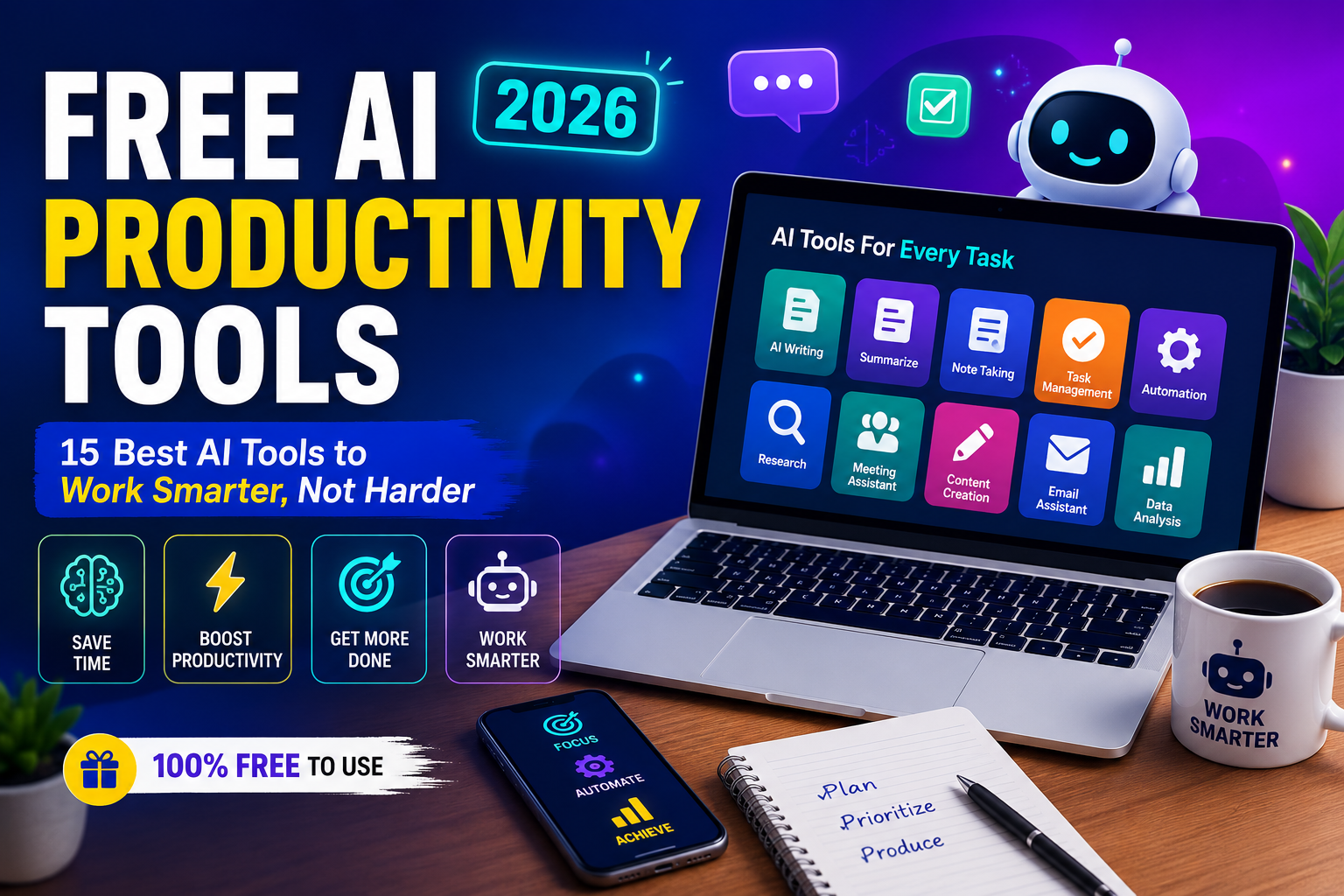
Free AI Productivity Tools (2026): 15 Best Free AI Tools to Boost Your Productivity
Artificial intelligence is transforming the way people work, learn, and manage daily tasks. Whether you’re a student, freelancer, entrepreneur, or business professional, using Free AI Productivity Tools can help you save time, automate repetitive work, and improve efficiency. From writing assistants to AI meeting schedulers and task managers, the right AI productivity software allow you to accomplish more with less effort.
In this guide, we’ll explore the best AI productivity software available in 2026, their features, and how they can help boost your productivity.
What Are Free AI Productivity Tools?
Free AI Productivity Tools are software applications powered by artificial intelligence that automate tasks such as writing, scheduling, note-taking, brainstorming, project management, and communication. Many of these tools offer free plans with enough features for individuals, students, and small businesses.
Using Free AI Productivity Tools reduces manual work while increasing speed and accuracy.
Why Use Free AI Productivity Tools?
There are several reasons why professionals rely on AI-powered productivity tools every day.
Benefits include:
- Save valuable time
- Improve workflow efficiency
- Automate repetitive tasks
- Increase team collaboration
- Generate better content faster
- Reduce human errors
- Improve work-life balance
As AI technology continues to evolve, these tools are becoming essential for modern workplaces.
Best Free AI Productivity Tools in 2026
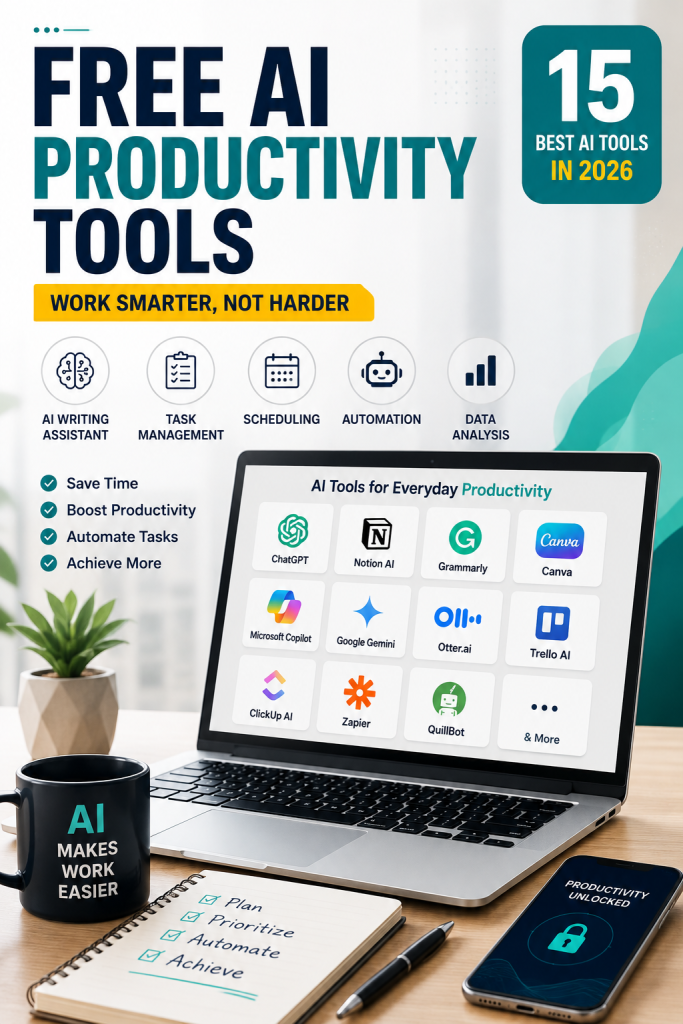
1. ChatGPT
ChatGPT helps users write emails, summarize documents, generate ideas, answer questions, and solve problems quickly.
Best for:
- Writing
- Brainstorming
- Research
- Coding
2. Notion AI
Notion AI combines note-taking, document management, and AI writing assistance in one platform.
Perfect for:
- Students
- Project managers
- Teams
- Business planning
3. Grammarly
Grammarly uses AI to improve grammar, spelling, tone, and writing clarity.
Ideal for:
- Emails
- Reports
- Blog writing
- Business communication
4. Google Gemini
Google Gemini assists with research, content generation, coding, and productivity tasks using Google’s AI technology.
5. Microsoft Copilot
Microsoft Copilot integrates with Word, Excel, Outlook, and Teams to automate office work.
6. Trello AI
Trello AI helps organize projects, automate workflows, and manage team collaboration more efficiently.
7. Canva Magic Studio
Canva’s AI tools simplify graphic design, presentations, marketing materials, and social media content creation.
8. Otter.ai
Otter.ai automatically records meetings and generates searchable transcripts.
Great for:
- Online meetings
- Interviews
- Lectures
9. ClickUp AI
ClickUp AI improves project planning, task management, and team productivity.
10. Zapier AI
Zapier AI automates repetitive workflows by connecting hundreds of apps without coding.
How to Choose the Best Free AI Productivity Tools
Selecting the right AI productivity apps depends on your specific needs.
Consider:
- Ease of use
- Free plan limitations
- AI capabilities
- Security
- Integrations
- Customer support
- Scalability
The best Free AI Productivity Tools solve real problems while fitting your daily workflow.
Who Should Use Free AI Productivity Tools?
These tools are useful for nearly everyone:
- Students
- Freelancers
- Content creators
- Small businesses
- Entrepreneurs
- Marketing teams
- Developers
- Remote workers
No matter your profession, Free AI Productivity Tools can significantly improve efficiency.
AI Productivity Trends for 2026
The future of AI productivity software is becoming smarter…
Key trends include:
- AI assistants for every workflow
- Voice-powered productivity
- AI meeting summaries
- Predictive task automation
- Smart scheduling
- AI-powered collaboration
- Personalized work recommendations
Businesses adopting these innovations will enjoy higher productivity and lower operational costs.
Tips for Getting the Most from Free AI Productivity Tools
To maximize results:
- Combine multiple AI tools
- Automate repetitive work
- Keep your data organized
- Review AI-generated content before publishing
- Use AI as an assistant rather than a replacement for human judgment
Following these practices helps you get the most value from AI productivity apps.
Final Thoughts
Using Free AI Productivity Tools is one of the easiest ways to improve productivity in 2026. Whether you need help writing, organizing projects, managing meetings, or automating workflows, there are excellent free AI solutions available for every type of user.
The best AI-powered productivity solutions save time…, improve collaboration, and help individuals and businesses work more efficiently. By choosing tools that match your needs and integrating them into your daily routine, you’ll be able to accomplish more while reducing manual effort and increasing overall productivity.
Frequently Asked Questions (FAQs)
What are best free AI tools?
best free AI tools are AI-powered applications that help automate tasks, improve efficiency, and simplify everyday work without requiring a paid subscription.
Which is the best free AI productivity tool?
Popular choices include ChatGPT, Notion AI, Grammarly, Google Gemini, Microsoft Copilot, and Canva Magic Studio.
Are free AI productivity tools worth using?
Yes. Many free plans provide enough features for students, freelancers, professionals, and small businesses.
Can AI productivity tools replace human work?
No. AI tools assist with repetitive tasks and improve efficiency, but human creativity, decision-making, and expertise remain essential.
Leave a Reply