Category: Uncategorized

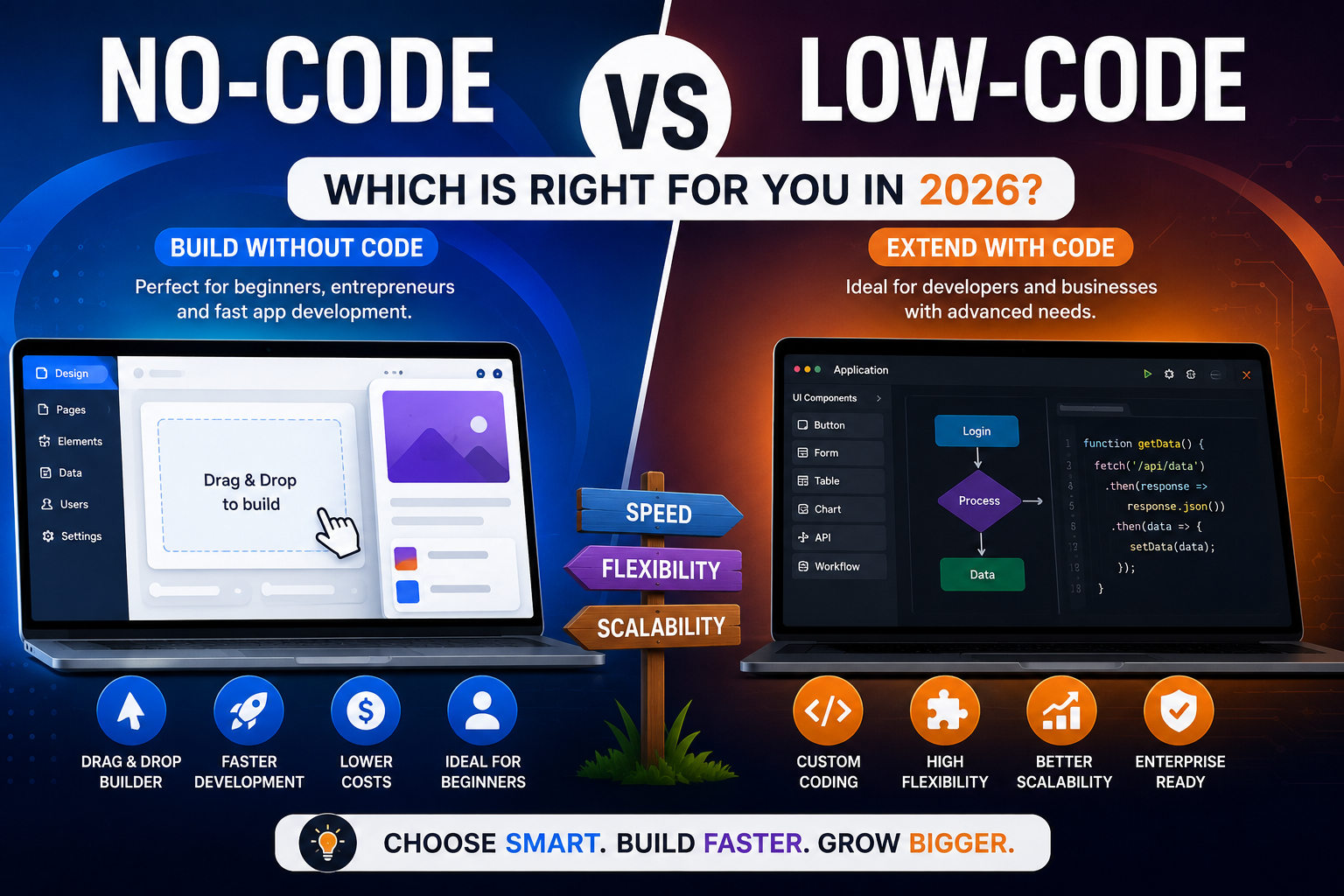
  • No-Code vs Low-Code (2026): Which Development Platform Is Better?

    No-Code vs Low-Code (2026): Which Development Platform Is Better?

    No-Code vs Low-Code (2026): Which Development Platform Is Better?

    As digital transformation accelerates across the United States, businesses are searching for faster and more affordable ways to build software. One of the biggest debates today is No-Code vs Low-Code. Both approaches simplify application development, reduce costs, and speed up deployment, but they serve different audiences and project requirements.

    If you’re comparing No-Code vs Low-Code, this guide explains the key differences, advantages, disadvantages, and ideal use cases to help you choose the right development platform in 2026.


    What Is No-Code Development?

    When discussing No-Code vs Low-Code, it’s important to understand what no-code development means.

    No-code platforms allow users to create websites, mobile apps, and business software using visual drag-and-drop builders without writing any code. These platforms are designed for entrepreneurs, business owners, marketers, and non-technical users.

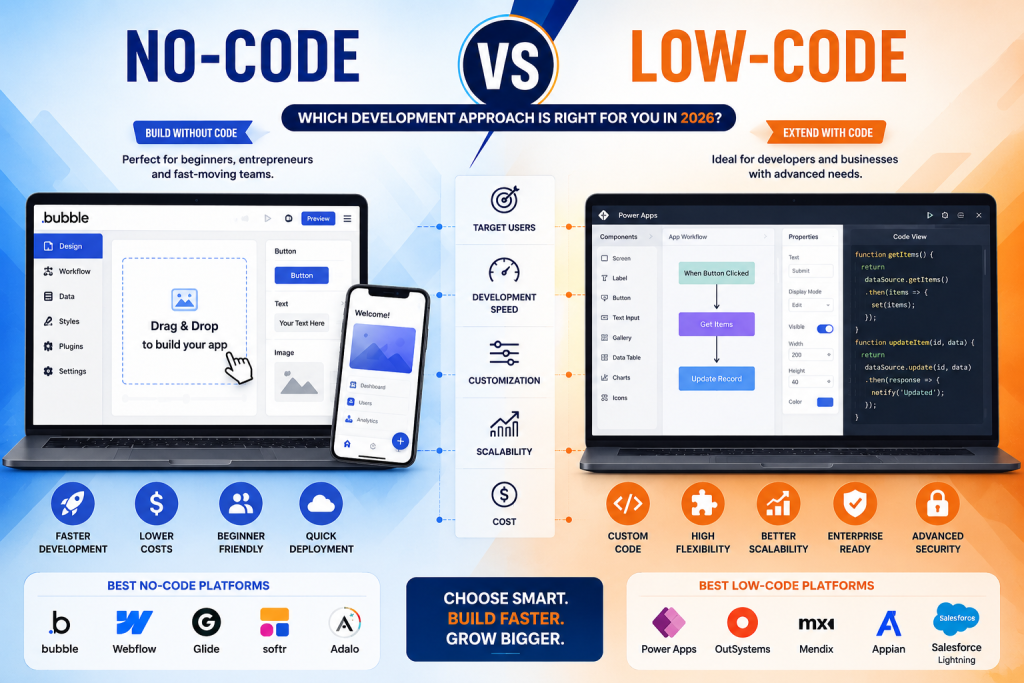
    Popular no-code platforms include:

    • Bubble
    • Webflow
    • Glide
    • Softr
    • Adalo

    No-code development makes software creation faster and more accessible.


    What Is Low-Code Development?

    Another key part of No-Code vs Low-Code is understanding low-code development.

    Low-code platforms provide visual development tools while allowing developers to write custom code whenever advanced functionality is needed.

    Popular low-code platforms include:

    • Microsoft Power Apps
    • Mendix
    • OutSystems
    • Appian
    • Salesforce Lightning

    Low-code is ideal for developers who need flexibility while accelerating software delivery.


    No-Code vs Low-Code: Key Differences

    FeatureNo-CodeLow-Code
    Coding RequiredNoneMinimal
    Target UsersBeginners & Business UsersDevelopers & IT Teams
    CustomizationLimitedHigh
    Learning CurveEasyModerate
    Development SpeedVery FastFast
    ScalabilityModerateExcellent
    Enterprise SupportBasicAdvanced

    Understanding these differences makes No-Code vs Low-Code easier to evaluate.


    Advantages of No-Code

    The No-Code vs Low-Code comparison shows several advantages for no-code platforms:

    • No programming knowledge required
    • Faster MVP development
    • Lower development costs
    • Simple drag-and-drop interface
    • Quick deployment
    • Ideal for startups and small businesses

    These benefits make no-code an excellent option for entrepreneurs launching products quickly.


    Advantages of Low-Code

    The No-Code vs Low-Code debate often favors low-code for complex business applications.

    Key benefits include:

    • Greater customization
    • Enterprise-level scalability
    • API integrations
    • Advanced security
    • Better performance
    • Custom business workflows

    Low-code is especially valuable for organizations with internal development teams.

    When Should You Choose No-Code?

    Choose no-code if you want to:

    • Build an MVP quickly
    • Launch a startup
    • Create a website
    • Develop internal tools
    • Build simple mobile apps
    • Reduce development costs

    Many startups choose no-code because it accelerates product validation.


    When Should You Choose Low-Code?

    Choose low-code if you need:

    • Enterprise software
    • Advanced integrations
    • Complex databases
    • Custom workflows
    • High scalability
    • Long-term software growth

    Businesses handling large amounts of data often benefit more from low-code development.


    Best Platforms in 2026

    If you’re evaluating No-Code vs Low-Code, these are among the leading platforms.

    Best No-Code Platforms

    • Bubble
    • FlutterFlow
    • Webflow
    • Glide
    • Softr

    Best Low-Code Platforms

    • Microsoft Power Apps
    • Mendix
    • OutSystems
    • Appian
    • Salesforce Lightning

    Each platform serves different business needs depending on project complexity.


    Which Is Better for Businesses?

    The answer to No-Code vs Low-Code depends on your goals.

    Choose No-Code if:

    • You have limited technical knowledge.
    • You need to launch quickly.
    • You have a smaller budget.
    • Your application is relatively simple.

    Choose Low-Code if:

    • You require advanced customization.
    • Your project must scale significantly.
    • You need enterprise-grade security.
    • Your developers want to extend functionality with custom code.

    Future of No-Code and Low-Code

    The future of No-Code vs Low-Code is driven by artificial intelligence. AI-powered builders now generate interfaces, automate workflows, write code snippets, and improve app performance.

    By 2026, many businesses will combine no-code and low-code tools to accelerate innovation while maintaining flexibility. Hybrid development approaches are expected to become the standard for organizations of all sizes.


    Final Verdict

    The No-Code vs Low-Code decision depends on your technical expertise, budget, and project requirements. No-code platforms are perfect for entrepreneurs, startups, and small businesses looking for speed and simplicity. Low-code platforms offer the customization, scalability, and security required for enterprise applications.

    As AI continues to transform software development in 2026, both no-code and low-code solutions will play a major role in helping businesses build modern applications faster than ever before.


    Frequently Asked Questions (FAQs)

    What is the difference between no-code and low-code?

    No-code requires no programming, while low-code allows developers to add custom code when needed.

    Which is better for beginners?

    No-code platforms are generally better for beginners because they use drag-and-drop interfaces.

    Can businesses use no-code platforms?

    Yes. Many startups and small businesses successfully build websites, internal tools, and apps using no-code platforms.

    Is low-code better for enterprise applications?

    Yes. Low-code platforms provide advanced customization, integrations, and scalability, making them ideal for enterprise software.
  • Best No-Code Platforms (2026): Top 10 No-Code Tools to Build Apps Without Coding

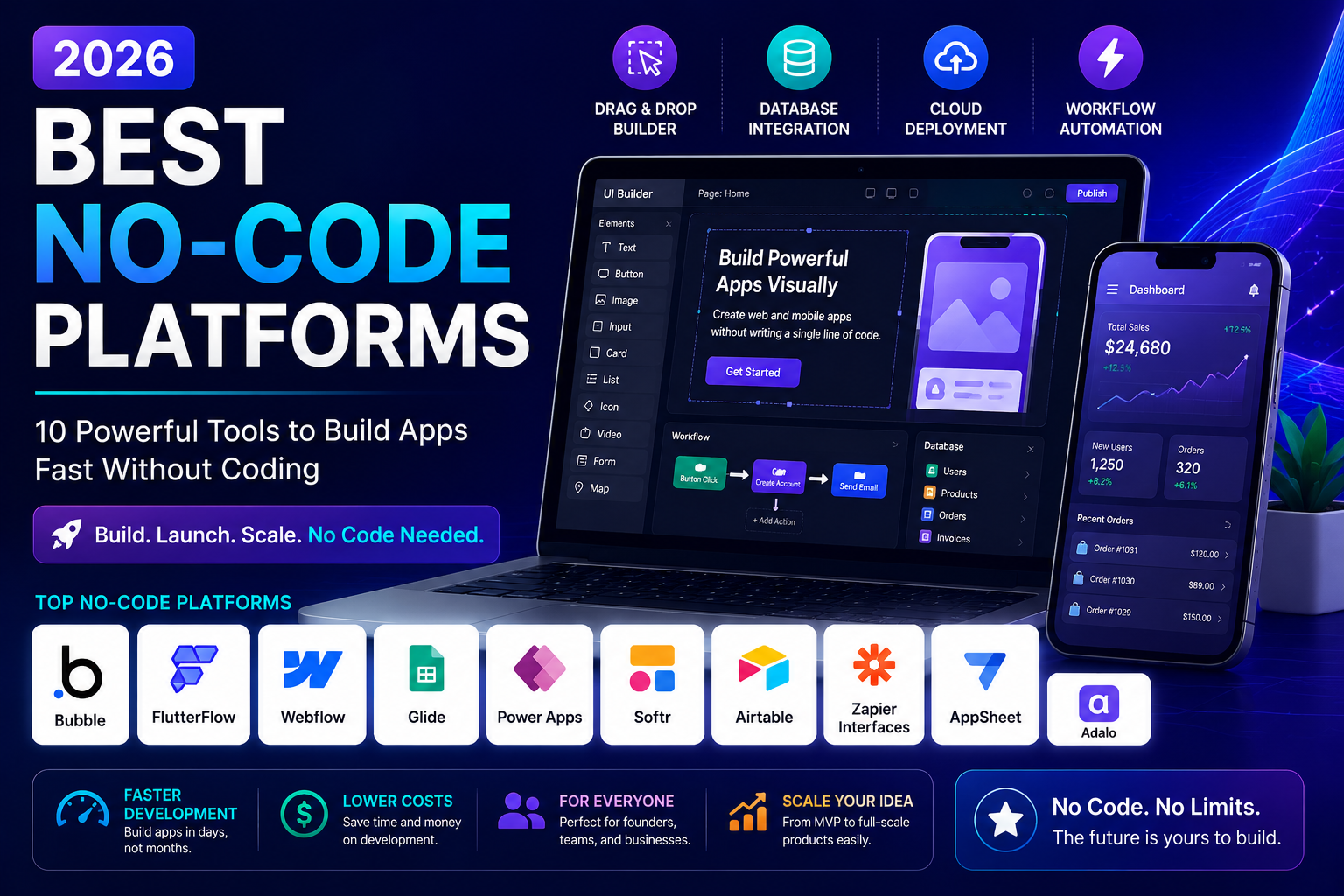
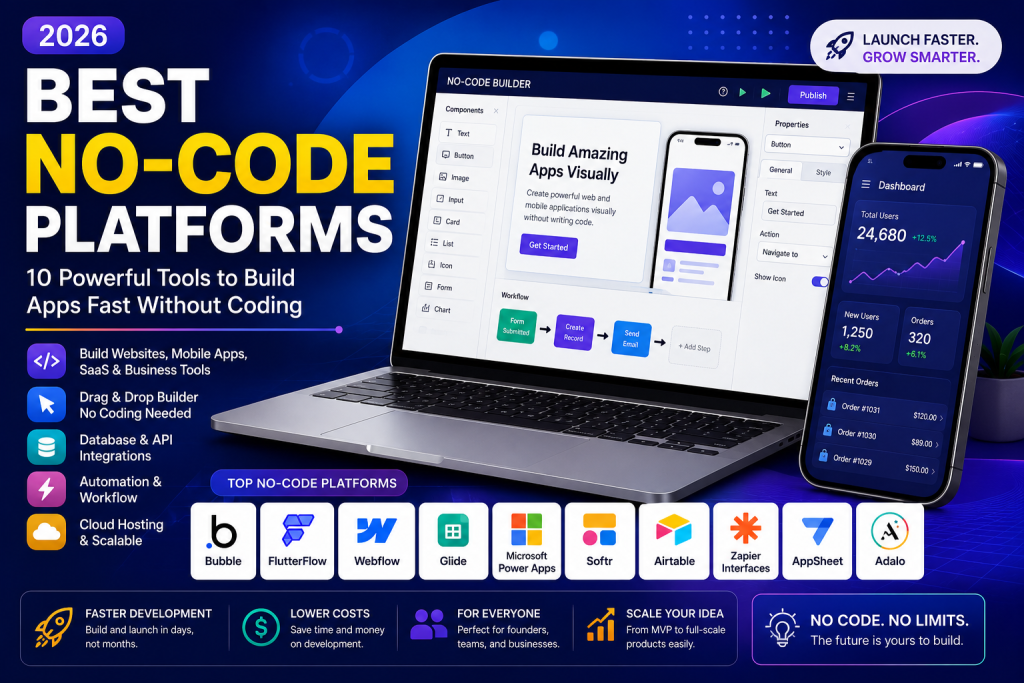
    Best No-Code Platforms (2026): Top 10 No-Code Tools to Build Apps Without Coding

    Best No-Code Platforms (2026): Top 10 No-Code Tools to Build Apps Without Coding

    Best No-Code Platforms for Beginners, Businesses, and Startups in 2026

    The demand for no-code development has exploded as businesses and entrepreneurs look for faster ways to build websites, mobile apps, automation tools, and SaaS products without writing code. The Best No-Code Platforms empower anyone—from startup founders to small business owners—to create professional applications quickly and cost-effectively.

    If you’re searching for the Best No-Code Platforms in 2026, this guide compares the top tools, their features, pricing, and ideal use cases to help you choose the right platform.


    Why Choose No-Code Platforms?

    The Best No-Code Platforms allow users to create digital products using visual drag-and-drop builders instead of traditional programming. This approach reduces development time, lowers costs, and makes software creation accessible to everyone.

    Key benefits include:

    • Faster app development
    • Lower development costs
    • No programming skills required
    • Easy integrations
    • Scalable solutions
    • Faster product launches

    As more organizations embrace digital transformation, the Best No-Code Platforms continue to grow in popularity across the United States.


    Best No-Code Platforms in 2026

    Here are the Best No-Code Platforms you should consider this year.

    1. Bubble

    Bubble is one of the Best No-Code Platforms for building web applications, SaaS products, and marketplaces. It offers complete customization, database management, and API integrations without coding.

    Best for: Startups and SaaS founders.


    2. FlutterFlow

    FlutterFlow enables users to create beautiful mobile applications for Android and iOS with a visual interface.

    Best for: Mobile app development.


    3. Webflow

    Webflow combines website design, CMS functionality, and hosting into one powerful platform.

    Best for: Business websites and portfolios.


    4. Glide

    Glide converts spreadsheets into fully functional mobile apps within minutes.

    Best for: Internal business tools.


    5. Microsoft Power Apps

    Power Apps helps businesses build enterprise applications while integrating seamlessly with Microsoft 365.

    Best for: Large organizations.


    6. Adalo

    Adalo makes mobile app creation simple with drag-and-drop functionality and built-in components.

    Best for: Beginners.


    7. Softr

    Softr allows users to build client portals, membership websites, and internal tools using Airtable or Google Sheets.

    Best for: Client portals.


    8. Zapier Interfaces

    Zapier combines workflow automation with simple app creation, making business automation easier than ever.

    Best for: Workflow automation.


    9. Airtable

    Airtable combines databases, project management, and automation into one collaborative platform.

    Best for: Team productivity.


    10. AppSheet

    Google AppSheet allows organizations to create secure business applications directly from spreadsheets and cloud databases.

    Best for: Business process automation.

    These are among the Best No-Code Platforms available for developers, entrepreneurs, and businesses in 2026.


    Features to Look for in the Best No-Code Platforms

    Before selecting one of the Best No-Code Platforms, consider these essential features:

    • Drag-and-drop builder
    • Responsive design
    • API integrations
    • Workflow automation
    • Database support
    • User authentication
    • Mobile compatibility
    • AI-powered tools
    • Cloud hosting
    • Security and scalability

    These capabilities ensure long-term success as your application grows.


    How to Choose the Best No-Code Platform

    Choosing the Best No-Code Platforms depends on your project goals.

    Choose Bubble if:

    You want to build SaaS products or custom web apps.

    Choose FlutterFlow if:

    You need professional Android and iOS mobile apps.

    Choose Webflow if:

    You want an advanced business website or CMS.

    Choose Power Apps if:

    Your business already uses Microsoft products.

    Choose Glide if:

    You need simple internal business applications quickly.

    Understanding your project requirements helps you select the Best No-Code Platforms for your business.


    Advantages of Using No-Code Platforms

    Businesses across the United States increasingly rely on the Best No-Code Platforms because they offer several advantages:

    • Launch products faster
    • Reduce development expenses
    • Improve collaboration
    • Rapid prototyping
    • Easy maintenance
    • Faster innovation

    These benefits make no-code technology attractive for startups and established companies alike.


    Common Mistakes to Avoid

    Even when using the Best No-Code Platforms, avoid these common mistakes:

    • Choosing the wrong platform
    • Ignoring scalability
    • Overcomplicating your app
    • Poor database planning
    • Skipping user testing
    • Neglecting security

    A well-planned project leads to better performance and long-term growth.


    Final Verdict

    The Best No-Code Platforms continue to transform software development by making app creation accessible to everyone. Whether you’re building a startup MVP, business website, mobile app, or internal workflow solution, platforms like Bubble, FlutterFlow, Webflow, Glide, and Microsoft Power Apps provide powerful features without requiring programming knowledge.

    As no-code technology evolves throughout 2026, businesses that adopt these platforms can reduce costs, launch products faster, and stay competitive in an increasingly digital world.


    Frequently Asked Questions (FAQs)

    What are no-code platforms?

    No-code platforms allow users to build websites, mobile apps, and software using visual tools instead of programming.

    Which is the best no-code platform?

    Bubble is often considered one of the best for web applications, while FlutterFlow excels in mobile app development.

    Can I build a business app without coding?

    Yes. Modern no-code platforms make it possible to create professional business applications without writing code.

    Are no-code platforms good for startups?

    Absolutely. They help startups launch MVPs quickly, validate ideas, and reduce development costs.

  • AI App Development Trends 2026: Top Trends Shaping the Future of AI Applications

    AI App Development Trends 2026: Top Trends Shaping the Future of AI Applications

    AI App Development Trends 2026: Top Trends Shaping the Future of AI Applications

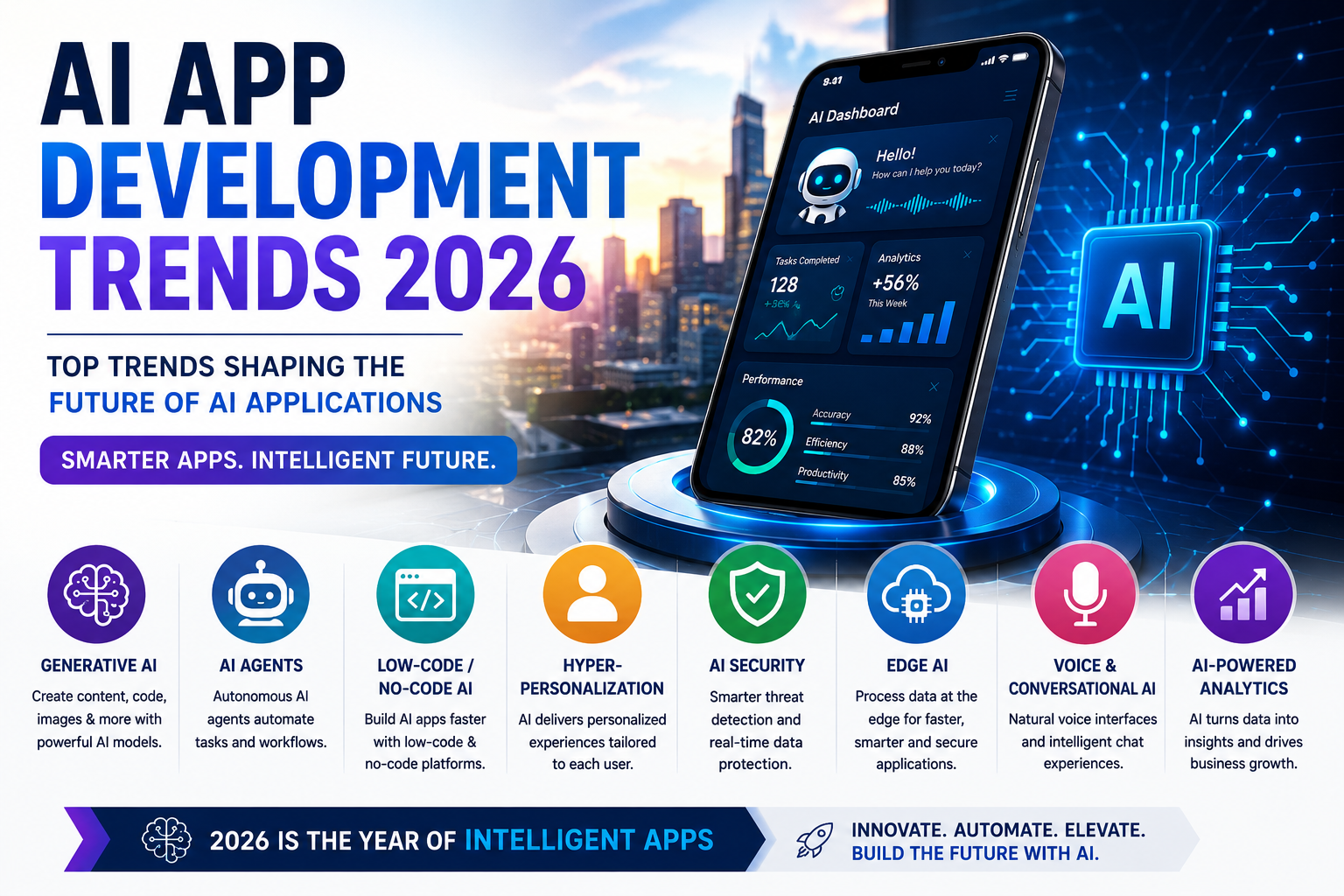
    AI App Development Trends 2026: What Businesses Need to Know

    Artificial intelligence is revolutionizing the software industry, making applications smarter, faster, and more efficient than ever before. As businesses across the United States continue investing in AI-powered solutions, understanding the latest AI App Development Trends 2026 has become essential for startups, developers, and enterprises alike. From generative AI and autonomous AI agents to no-code development and enhanced security, these innovations are reshaping the future of mobile and web applications.

    This guide explores the most important AI App Development Trends 2026, helping you stay ahead of the competition and build future-ready AI applications.


    Why AI App Development Is Growing Rapidly

    The demand for AI-powered software continues to increase as organizations seek automation, personalization, and data-driven decision-making. One of the biggest AI App Development Trends 2026 is the growing adoption of AI across healthcare, finance, education, retail, and customer service.

    Businesses benefit from AI by:

    • Automating repetitive tasks
    • Improving customer experiences
    • Increasing operational efficiency
    • Reducing business costs
    • Delivering personalized recommendations

    These advantages make AI App Development Trends 2026 more relevant than ever.


    Top AI App Development Trends 2026

    1. Generative AI Applications

    Generative AI remains one of the biggest AI App Development Trends 2026. Businesses are integrating AI to generate text, images, videos, code, and marketing content, helping users complete tasks in seconds.

    Popular use cases include:

    • AI writing assistants
    • AI image generators
    • AI coding assistants
    • AI marketing tools

    2. AI Agents and Autonomous Workflows

    AI agents can perform tasks without constant human supervision. They schedule meetings, answer customer questions, analyze data, and automate business processes.

    This is one of the fastest-growing AI App Development Trends 2026 for businesses looking to improve productivity.


    3. No-Code and Low-Code AI Development

    Modern platforms allow entrepreneurs to build AI applications without advanced programming skills.

    Popular platforms include:

    • Bubble
    • FlutterFlow
    • Microsoft Power Apps
    • Glide

    No-code development significantly reduces both cost and development time.


    4. Hyper-Personalized User Experiences

    Another important AI App Development Trends 2026 is personalized recommendations.

    AI applications now analyze:

    • User behavior
    • Purchase history
    • Search patterns
    • Preferences

    This enables apps to deliver customized experiences that improve engagement and customer satisfaction.


    5. AI-Powered Business Automation

    Businesses increasingly rely on AI for:

    • Customer support
    • Workflow automation
    • Inventory management
    • Sales forecasting
    • Marketing optimization

    Automation continues to drive demand for intelligent business applications.


    6. Voice AI and Conversational Interfaces

    Voice assistants and AI chatbots have become more accurate and natural.

    Applications now support:

    • Voice search
    • Voice commands
    • Multilingual conversations
    • Real-time customer assistance

    This trend is transforming customer interactions across industries.


    7. AI Cybersecurity

    Security is one of the most critical AI App Development Trends 2026.

    Modern AI applications use intelligent threat detection to:

    • Identify fraud
    • Prevent cyberattacks
    • Monitor suspicious activity
    • Protect sensitive user data

    8. Edge AI

    Instead of sending every request to cloud servers, Edge AI processes data directly on devices.

    Benefits include:

    • Faster response times
    • Lower latency
    • Better privacy
    • Reduced cloud costs

    Essential Features for AI Apps in 2026

    To remain competitive, modern applications should include:

    • AI chatbots
    • Predictive analytics
    • Voice recognition
    • Cloud synchronization
    • Workflow automation
    • Smart search
    • Data encryption
    • Real-time notifications
    • API integrations
    • Mobile optimization

    These features align with the latest AI App Development Trends 2026 and improve user experience.


    Benefits of Following AI App Development Trends

    Keeping up with AI App Development Trends 2026 helps businesses:

    • Launch innovative products
    • Improve customer satisfaction
    • Increase productivity
    • Reduce operational costs
    • Gain competitive advantages
    • Scale more efficiently

    Businesses that embrace AI early are better positioned for long-term growth.


    Common Mistakes to Avoid

    Many developers struggle despite following AI App Development Trends 2026 because they make avoidable mistakes.

    Avoid:

    • Building unnecessary features
    • Ignoring user experience
    • Choosing the wrong AI platform
    • Poor security practices
    • Lack of scalability
    • Insufficient testing

    A simple, secure, and scalable application is more likely to succeed.


    Future of AI App Development

    The future of AI App Development Trends 2026 points toward smarter automation, multimodal AI, personalized experiences, and autonomous digital assistants. As AI models continue improving, businesses will create applications capable of understanding text, voice, images, and video within a single platform.

    Companies investing in AI today will gain a significant advantage as intelligent software becomes the standard across every industry.


    Final Verdict

    The latest AI App Development Trends 2026 show that artificial intelligence is no longer optional—it is becoming the foundation of modern software development. From generative AI and AI agents to no-code platforms, voice AI, and intelligent automation, these innovations are helping businesses deliver faster, smarter, and more personalized applications.

    Whether you’re a startup founder, software developer, or business owner, following AI App Development Trends 2026 will help you build future-ready AI solutions, improve customer experiences, and remain competitive in the rapidly evolving digital landscape.


    Frequently Asked Questions (FAQs)

    What are AI app development trends in 2026?

    AI app development trends include generative AI, AI agents, no-code platforms, voice AI, personalized experiences, Edge AI, and AI-powered cybersecurity.

    Why are AI app development trends important?

    They help businesses improve efficiency, automate workflows, enhance user experiences, and remain competitive.

    Can beginners build AI apps?

    Yes. No-code platforms and AI APIs allow beginners to build AI applications without extensive programming experience.

    Which industries benefit the most from AI apps?

    Healthcare, finance, retail, education, logistics, customer service, and marketing are among the industries benefiting most from AI-powered applications.

  • AI Productivity App Ideas (2026): 15 Innovative AI Apps That Boost Efficiency

    AI Productivity App Ideas (2026): 15 Innovative AI Apps That Boost Efficiency

    AI Productivity App Ideas (2026): 15 Innovative AI Apps That Boost Efficiency

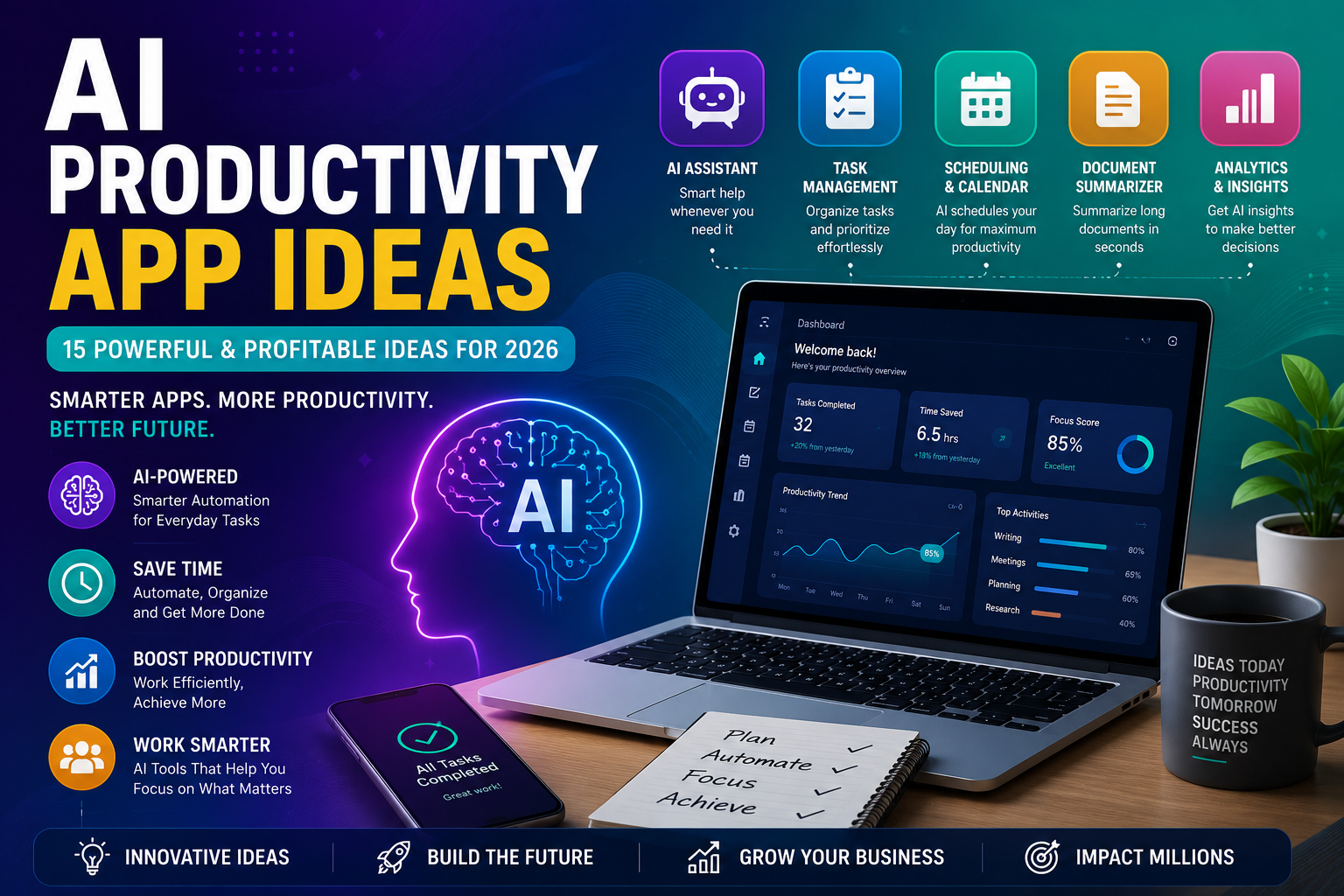
    AI Productivity App Ideas for 2026

    Artificial intelligence is transforming the way people work, communicate, and manage daily tasks. Businesses, entrepreneurs, freelancers, and students across the United States are increasingly looking for AI Productivity App Ideas that save time, automate repetitive work, and improve efficiency. Whether you’re planning to launch a startup or build your next SaaS product, choosing the right AI-powered app idea can give you a competitive advantage.

    In this guide, we’ll explore the best AI Productivity App Ideas for 2026, explain why they’re in demand, and share tips for creating a successful AI application.


    Why AI Productivity Apps Are Growing

    The demand for AI Productivity App Ideas continues to rise as companies adopt AI to streamline operations. Modern AI tools help users write emails, schedule meetings, summarize documents, manage projects, and automate workflows.

    Benefits include:

    • Increased productivity
    • Time-saving automation
    • Improved collaboration
    • Better decision-making
    • Reduced operational costs
    • Higher business efficiency

    These advantages make AI Productivity App Ideas one of the fastest-growing categories in the software industry.


    Best AI Productivity App Ideas for 2026

    If you’re searching for profitable AI Productivity App Ideas, consider these innovative concepts.

    1. AI Meeting Assistant

    Create an app that records meetings, generates transcripts, summarizes discussions, and automatically creates action items.

    Best For:

    Remote teams and businesses.


    2. AI Task Management App

    Develop a smart to-do list that prioritizes tasks using artificial intelligence based on deadlines, workload, and user behavior.


    3. AI Email Assistant

    Build an application that writes emails, suggests replies, categorizes inbox messages, and automates follow-ups.


    4. AI Note-Taking App

    Allow users to convert voice recordings into searchable notes with AI-generated summaries.


    5. AI Calendar & Scheduling Assistant

    An AI-powered calendar can automatically schedule meetings, avoid conflicts, and optimize daily productivity.


    6. AI Document Summarizer

    Help users summarize long reports, PDFs, legal documents, and research papers within seconds.


    7. AI Project Management Platform

    Combine project planning, team collaboration, workload balancing, and predictive analytics into one intelligent workspace.


    8. AI Writing Assistant

    Offer AI-powered content generation for blogs, social media posts, emails, reports, and marketing copy.


    9. AI Knowledge Management App

    Enable businesses to organize internal documents while providing instant AI-powered search and answers.


    10. AI Business Dashboard

    Create a centralized dashboard that analyzes sales, marketing, finance, and customer data using AI insights.

    These AI Productivity App Ideas solve real-world problems and have strong commercial potential.


    Features Every AI Productivity App Should Include

    When building AI Productivity App Ideas, consider adding features that users expect in modern applications.

    • AI chatbot assistance
    • Voice commands
    • Smart notifications
    • Workflow automation
    • Cloud synchronization
    • Real-time collaboration
    • Data analytics
    • Calendar integration
    • Mobile compatibility
    • Enterprise-grade security

    These features improve usability and increase customer satisfaction.


    How to Build AI Productivity Apps

    Turning AI Productivity App Ideas into successful products requires a structured approach.

    Step 1: Identify a Problem

    Focus on solving a specific productivity challenge for businesses or individuals.

    Step 2: Validate Your Idea

    Research competitors and gather feedback from potential users.

    Step 3: Choose AI Technology

    Use AI APIs, machine learning services, or no-code AI platforms depending on your budget and technical skills.

    Step 4: Build an MVP

    Launch a Minimum Viable Product with only the most essential features.

    Step 5: Collect User Feedback

    Improve the application based on customer reviews and usage data.

    Following these steps increases the chances of building successful AI Productivity App Ideas.


    Why Businesses Invest in AI Productivity Apps

    Companies across the United States continue investing in AI Productivity App Ideas because they improve efficiency and reduce manual work.

    Organizations use AI productivity software to:

    • Automate repetitive tasks
    • Improve employee collaboration
    • Reduce operational costs
    • Increase workflow efficiency
    • Make data-driven decisions
    • Enhance customer service

    As AI adoption accelerates, productivity-focused applications are expected to remain one of the most profitable software categories.


    Common Mistakes to Avoid

    Many developers struggle when launching AI Productivity App Ideas because they overlook important factors.

    Avoid these mistakes:

    • Building too many features initially
    • Ignoring user experience
    • Skipping security measures
    • Choosing the wrong AI platform
    • Not validating market demand
    • Forgetting mobile optimization

    Keeping your app simple and user-focused leads to better adoption and long-term success.


    Final Verdict

    The future of software is powered by artificial intelligence, and AI Productivity App Ideas offer incredible opportunities for entrepreneurs, startups, and businesses in 2026. Whether you build an AI meeting assistant, task manager, email assistant, or document summarizer, solving real productivity challenges is the key to success.

    Start with a focused idea, launch a simple MVP, gather user feedback, and continue improving your product. By addressing real business needs, your AI productivity app can stand out in a competitive market and attract users across the United States.


    Frequently Asked Questions (FAQs)

    What are AI productivity apps?

    AI productivity apps use artificial intelligence to automate tasks, improve organization, and increase efficiency for individuals and businesses.

    Which AI productivity app idea is best for startups?

    AI meeting assistants, task management apps, email assistants, and document summarizers are among the most promising ideas in 2026.

    Can I build an AI productivity app without coding?

    Yes. No-code platforms and AI APIs allow beginners to create AI-powered productivity applications without extensive programming knowledge.

    Are AI productivity apps profitable?

    Yes. As businesses continue investing in automation and efficiency tools, AI productivity apps have strong revenue potential through subscriptions, licensing, and enterprise solutions.

  • How Long Does It Take to Build an AI App? (2026): Complete Timeline & Cost Guide

    How Long Does It Take to Build an AI App? (2026): Complete Timeline & Cost Guide

    How Long Does It Take to Build an AI App? (2026): Complete Timeline & Cost Guide

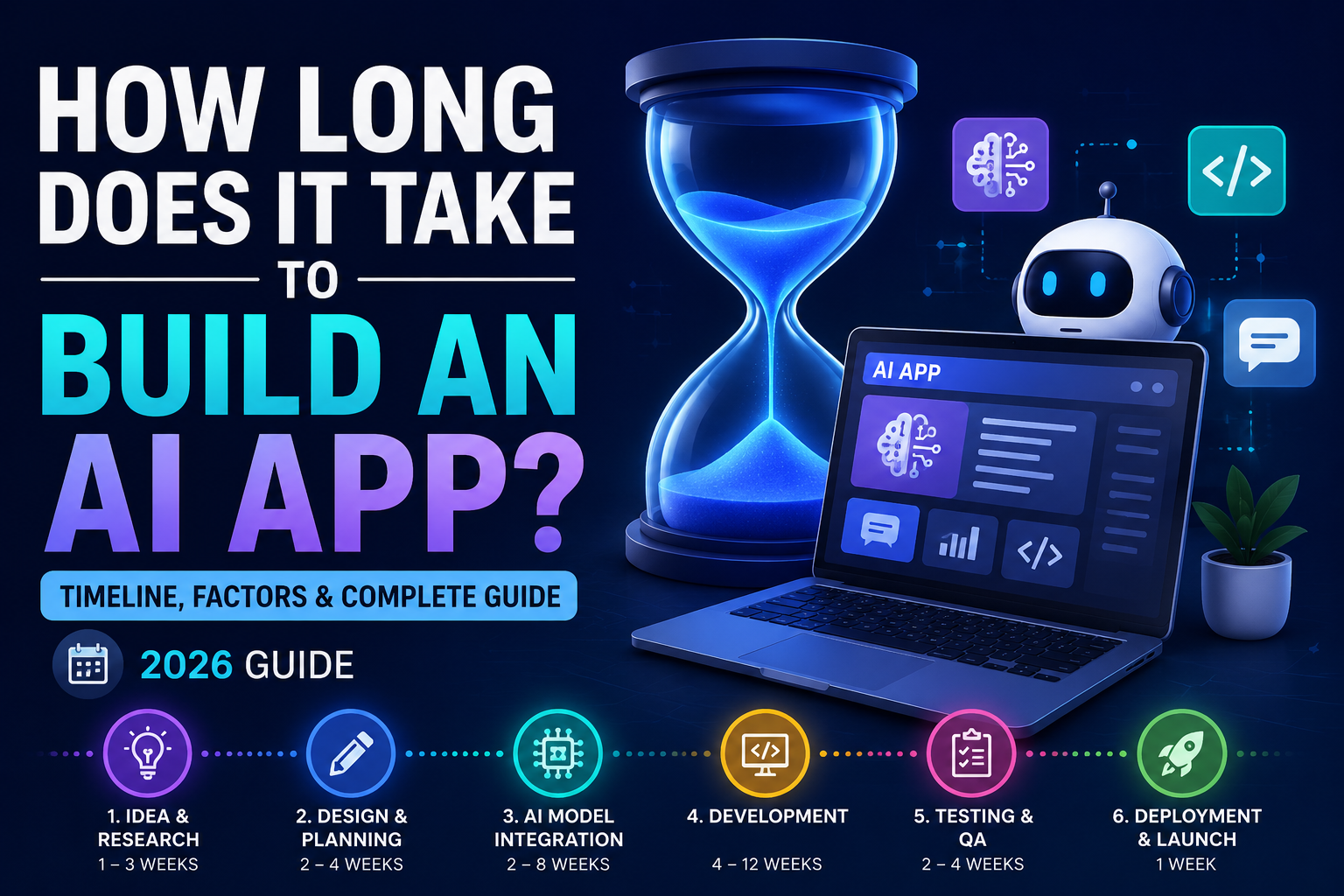
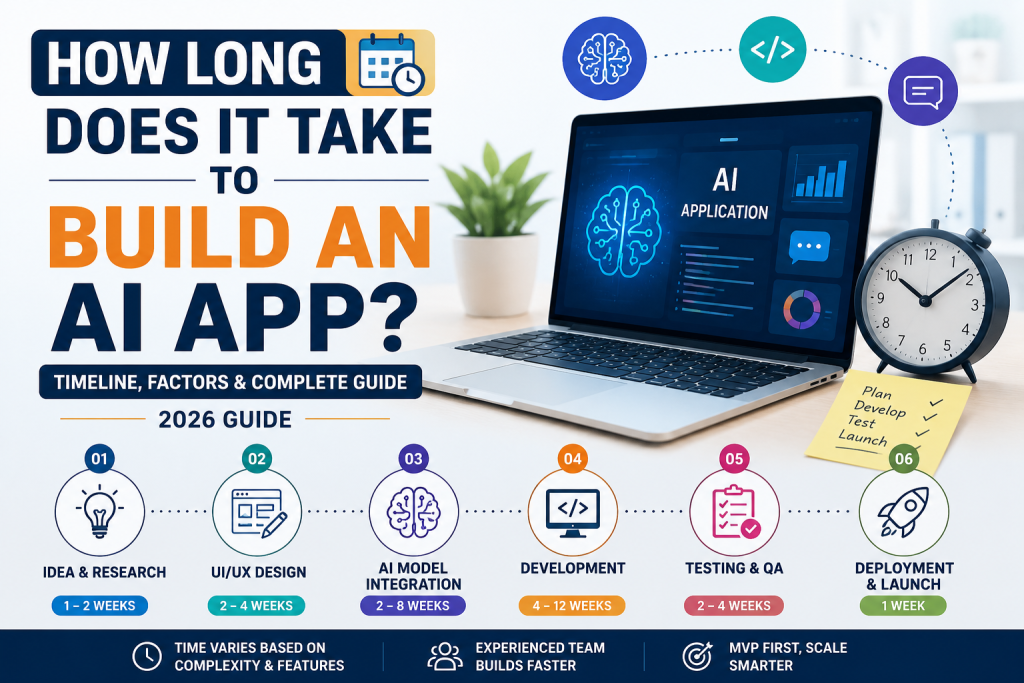
    How Long Does It Take to Build an AI App in 2026?

    Artificial intelligence is transforming businesses across the United States, from customer service chatbots to advanced automation platforms. One of the most common questions entrepreneurs and business owners ask is, How Long Does It Take to Build an AI App? The answer depends on several factors, including the app’s complexity, development approach, features, and team size.

    In this guide, we’ll explain How Long Does It Take to Build an AI App by breaking down each development stage, typical timelines, and the factors that affect project completion. Whether you’re planning a startup or adding AI to an existing business, this article will help you estimate the time required.


    Why AI App Development Timelines Vary

    Understanding How Long Does It Take to Build an AI App starts with recognizing that every project is different. A simple AI chatbot may take only a few weeks, while an enterprise AI platform with machine learning models can require several months.

    The biggest factors include:

    • Project complexity
    • AI features and integrations
    • Development method
    • Testing requirements
    • Team experience
    • Budget
    • Security and compliance

    These factors directly influence How Long Does It Take to Build an AI App from concept to launch.


    Typical AI App Development Timeline

    Below is a general timeline for AI app development.

    1. Planning & Research (1–3 Weeks)

    Every successful project begins with planning. During this phase, businesses define goals, identify users, and select AI technologies.

    Tasks include:

    • Market research
    • Feature planning
    • User journey mapping
    • Technology selection

    2. UI/UX Design (2–4 Weeks)

    A clean and intuitive design improves user experience.

    Designers create:

    • Wireframes
    • User interfaces
    • Interactive prototypes
    • Mobile and desktop layouts

    3. AI Model Integration (2–8 Weeks)

    This is often the most important stage when determining How Long Does It Take to Build an AI App.

    Developers integrate AI features such as:

    • Chatbots
    • Image generation
    • Text generation
    • Voice recognition
    • Recommendation engines

    Using APIs from providers like OpenAI or Google can significantly reduce development time.


    4. App Development (4–12 Weeks)

    During development, engineers build the application’s frontend, backend, database, authentication system, and API connections.

    This phase typically requires the most time.


    5. Testing & Quality Assurance (2–4 Weeks)

    Before launch, developers thoroughly test the application.

    Testing includes:

    • Performance testing
    • Security testing
    • Bug fixing
    • AI accuracy validation
    • Cross-device compatibility

    6. Deployment & Launch (1 Week)

    After testing, the AI application is published to web servers or app stores.

    Deployment also includes:

    • Cloud hosting
    • Monitoring
    • Performance optimization
    • Analytics setup

    Average Development Time by App Type

    The answer to How Long Does It Take to Build an AI App depends largely on the type of application.

    AI App TypeEstimated Timeline
    AI Chatbot2–6 Weeks
    AI Content Generator1–2 Months
    AI Image Generator2–4 Months
    AI Business Automation Tool2–5 Months
    AI Mobile App3–6 Months
    Enterprise AI Platform6–12 Months

    Factors That Affect AI App Development Time

    Several variables influence How Long Does It Take to Build an AI App.

    App Complexity

    More advanced features require longer development.

    Custom AI Models

    Training custom machine learning models adds weeks or even months.

    Third-Party Integrations

    Connecting payment systems, CRMs, cloud storage, or AI APIs affects the timeline.

    Development Team

    Experienced AI developers can complete projects much faster than small or inexperienced teams.

    No-Code vs. Custom Development

    Using no-code platforms like Bubble or FlutterFlow can reduce development time significantly compared to building everything from scratch.


    How to Build an AI App Faster

    If you’re concerned about How Long Does It Take to Build an AI App, consider these strategies:

    • Start with a Minimum Viable Product (MVP)
    • Use AI APIs instead of training custom models
    • Choose no-code or low-code platforms
    • Prioritize essential features
    • Work with experienced developers
    • Use agile development methods
    • Continuously test during development

    These practices can shorten development timelines while maintaining quality.


    Common Mistakes That Delay AI Projects

    Many businesses extend How Long Does It Take to Build an AI App by making avoidable mistakes.

    Common issues include:

    • Poor project planning
    • Frequent feature changes
    • Underestimating testing time
    • Ignoring scalability
    • Choosing the wrong technology stack
    • Lack of user feedback

    Avoiding these mistakes helps projects stay on schedule and within budget.


    Why AI Development Is Faster in 2026

    Modern AI tools, cloud platforms, and no-code builders have dramatically reduced development time. Businesses can now integrate advanced AI capabilities without creating complex machine learning models from scratch.

    As a result, How Long Does It Take to Build an AI App is becoming a much easier question to answer, especially for startups and small businesses using AI APIs and automation platforms.


    Final Verdict

    So, How Long Does It Take to Build an AI App? The answer depends on your project’s goals and complexity. A simple AI chatbot may be completed in just a few weeks, while enterprise AI solutions can take several months.

    For most startups and small businesses, using modern AI APIs and no-code development platforms significantly reduces both cost and development time. Planning carefully, focusing on core features, and testing throughout the process will help you launch a reliable AI application faster in 2026.


    Frequently Asked Questions (FAQs)

    How long does it take to build an AI app?

    Most AI apps take anywhere from 2 weeks to 6 months, depending on complexity, features, and development approach.

    Can I build an AI app faster with no-code tools?

    Yes. Platforms like Bubble, FlutterFlow, and Glide can reduce development time significantly.

    What affects AI app development time?

    Project complexity, AI integrations, testing, custom models, third-party services, and team experience all influence the timeline.

    Is AI app development expensive?

    Costs vary depending on the project scope, but using pre-built AI APIs and no-code platforms can significantly reduce expenses compared to custom development.

  • How to Build an AI App Without Coding: Ultimate Beginner’s Guide (2026)

    How to Build an AI App Without Coding: Ultimate Beginner’s Guide (2026)

    How to Build an AI App Without Coding: Ultimate Beginner’s Guide (2026)

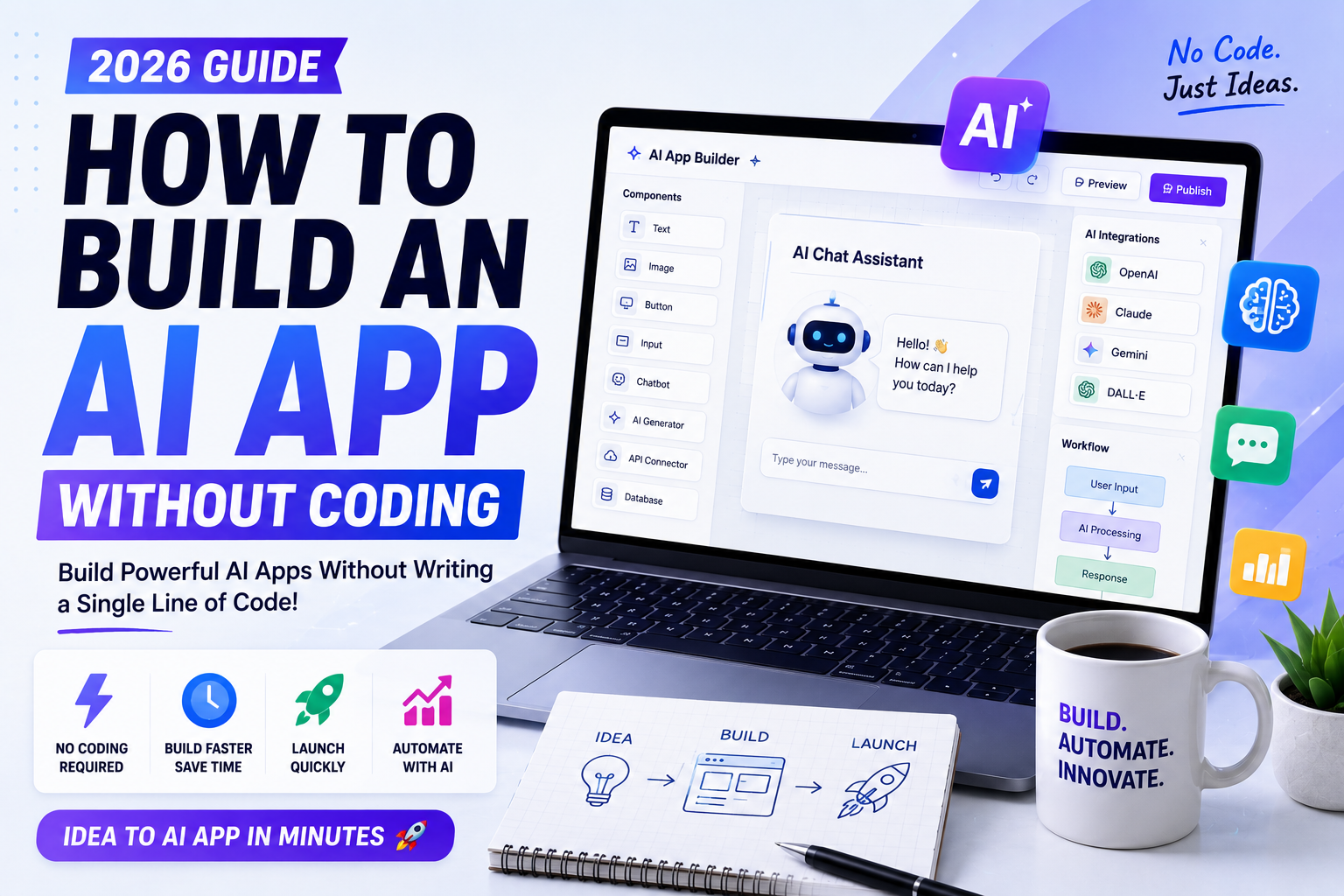
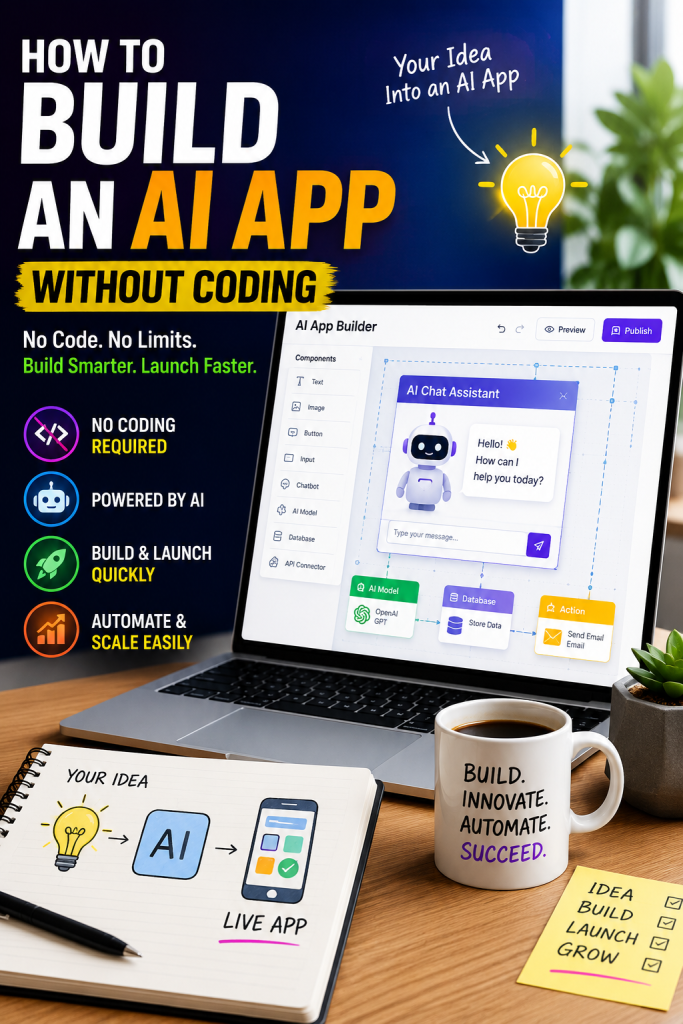
    How to Build an AI App Without Coding in 2026

    Artificial intelligence is no longer limited to developers and data scientists. Thanks to modern no-code platforms, anyone can create AI-powered applications without writing a single line of code. Whether you’re an entrepreneur, freelancer, student, or small business owner, learning How to Build an AI App Without Coding can help you turn ideas into real products quickly and affordably.

    In this guide, you’ll learn How to Build an AI App Without Coding using today’s most popular no-code AI platforms. We’ll cover the tools, benefits, and step-by-step process to help beginners launch their first AI application in 2026.


    What Does It Mean to Build an AI App Without Coding?

    Learning How to Build an AI App Without Coding means using visual drag-and-drop platforms that integrate artificial intelligence features such as chatbots, image generation, automation, data analysis, and workflow management. These tools eliminate the need for programming while allowing users to build powerful applications.

    Today, businesses across the United States are adopting no-code AI platforms to reduce development costs and launch products faster.


    Why No-Code AI Development Is Growing

    There are several reasons why people are learning How to Build an AI App Without Coding:

    • Faster app development
    • Lower development costs
    • No programming knowledge required
    • Easy drag-and-drop interfaces
    • AI integrations built in
    • Rapid testing and deployment
    • Perfect for startups and small businesses

    As AI technology continues to evolve, no-code platforms make innovation accessible to everyone.


    Best No-Code AI Platforms

    If you want to master How to Build an AI App Without Coding, these platforms are excellent choices.

    1. Bubble

    Bubble allows users to build complete web applications using visual workflows and AI integrations.

    Best For: SaaS products and startups.


    2. Glide

    Glide transforms spreadsheets into fully functional mobile applications using AI-powered features.

    Best For: Internal business apps.


    3. Softr

    Softr enables users to create client portals, business dashboards, and AI-powered websites without coding.

    Best For: Small businesses.


    4. Zapier AI

    Zapier AI automates workflows between thousands of applications using artificial intelligence.

    Best For: Business automation.


    5. Microsoft Power Apps

    Microsoft Power Apps allows organizations to create enterprise applications with built-in AI capabilities.

    Best For: Large businesses.


    6. FlutterFlow

    FlutterFlow makes mobile app development simple while supporting AI integrations.

    Best For: Cross-platform mobile apps.


    7. Airtable AI

    Airtable combines databases with AI automation for business management and productivity.

    Best For: Teams and project management.


    Step-by-Step: How to Build an AI App Without Coding

    If you’re wondering How to Build an AI App Without Coding, follow these simple steps.

    Step 1: Define Your App Idea

    Identify the problem your AI app will solve. Examples include customer support, content generation, scheduling, or data analysis.

    Step 2: Choose a No-Code Platform

    Select a platform that fits your project requirements, budget, and preferred features.

    Step 3: Design the User Interface

    Use drag-and-drop builders to create screens, forms, navigation, and layouts.

    Step 4: Connect AI Features

    Integrate AI services such as chatbots, image generation, speech recognition, or text generation.

    Step 5: Automate Workflows

    Build automated processes for notifications, emails, approvals, or customer interactions.

    Step 6: Test Your Application

    Check every feature before publishing to ensure a smooth user experience.

    Step 7: Publish Your AI App

    Deploy your application to the web, Android, or iOS depending on your platform.

    Following these steps makes How to Build an AI App Without Coding much easier, even for beginners.


    Benefits of Building AI Apps Without Coding

    Understanding How to Build an AI App Without Coding offers many advantages:

    • Launch products faster
    • Save thousands of dollars in development costs
    • Validate business ideas quickly
    • Build MVPs efficiently
    • Scale your application easily
    • No programming experience needed
    • Integrate AI services within minutes
    • Improve productivity

    These benefits make no-code AI development ideal for entrepreneurs and growing businesses.


    Common Mistakes to Avoid

    When learning How to Build an AI App Without Coding, avoid these common mistakes:

    • Choosing the wrong platform
    • Ignoring scalability
    • Overcomplicating your app
    • Skipping user testing
    • Forgetting security and privacy
    • Not planning future updates

    Avoiding these mistakes will help you create a more reliable AI application.


    Why Learning How to Build an AI App Without Coding Matters in 2026

    Artificial intelligence is becoming a competitive advantage for businesses of every size. Companies are launching AI-powered customer support tools, productivity apps, automation platforms, and content creation solutions faster than ever.

    Learning How to Build an AI App Without Coding gives entrepreneurs the ability to validate ideas quickly, reduce development expenses, and reach customers faster. Whether you’re building a side project or a scalable startup, no-code AI platforms offer an excellent starting point.


    Final Verdict

    Learning How to Build an AI App Without Coding has never been easier. Platforms like Bubble, Glide, Softr, Zapier AI, Microsoft Power Apps, FlutterFlow, and Airtable AI allow anyone to create AI-powered applications without technical skills.

    If you’re ready to turn your idea into reality in 2026, start with a beginner-friendly no-code platform, build a simple prototype, test it with real users, and improve it over time. The future of app development is faster, smarter, and more accessible than ever.


    Frequently Asked Questions (FAQs)

    Can I build an AI app without coding?

    Yes. Many no-code platforms allow you to build AI-powered web and mobile apps using visual editors and built-in AI integrations.

    What is the best no-code AI platform?

    Bubble, Glide, Softr, FlutterFlow, Zapier AI, Microsoft Power Apps, and Airtable AI are among the top options in 2026.

    Do I need programming experience?

    No. Most no-code AI platforms are designed for beginners and require no programming knowledge.

    Is no-code AI development suitable for businesses?

    Absolutely. Many startups and established companies use no-code AI platforms to build prototypes, automate workflows, and launch business applications quickly.

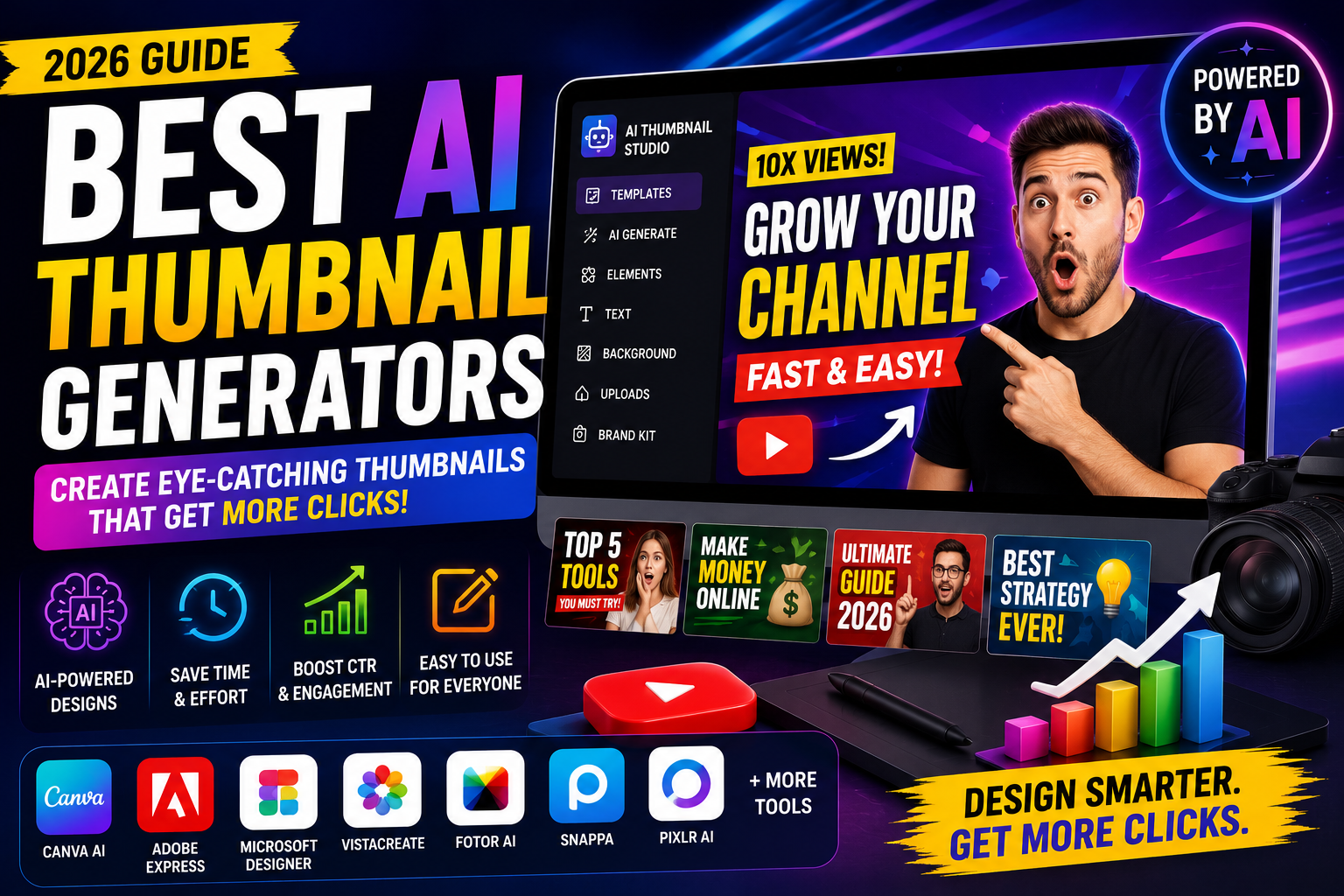
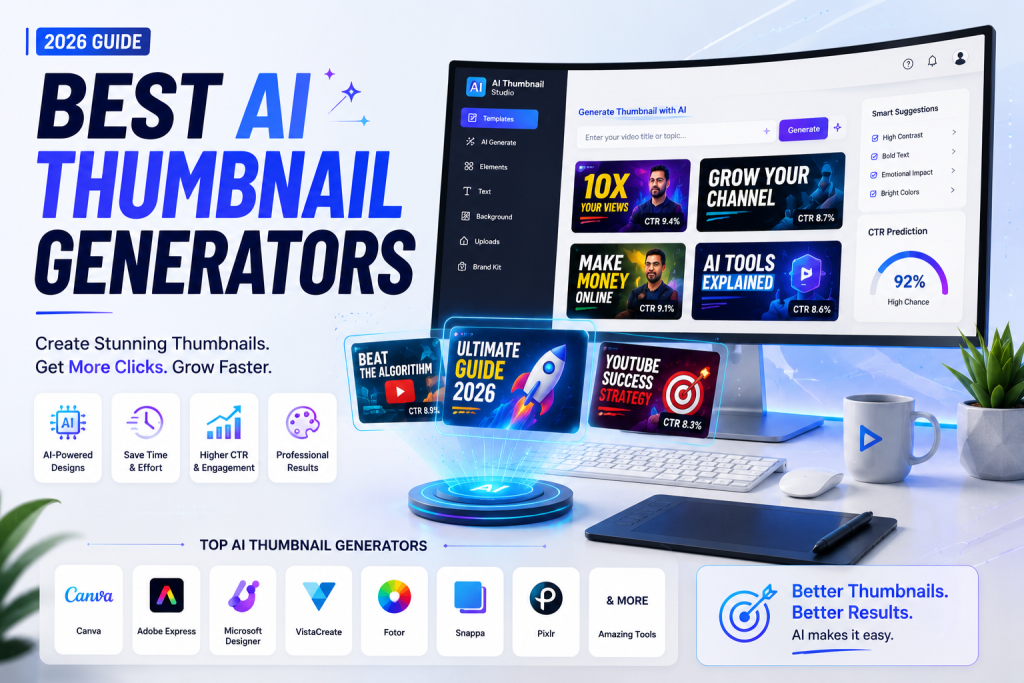
  • Best AI Thumbnail Generators (2026): Top AI Tools to Create High-Click Thumbnails

    Best AI Thumbnail Generators (2026): Top AI Tools to Create High-Click Thumbnails

    Best AI Thumbnail Generators (2026): Top AI Tools to Create High-Click Thumbnails

    Best AI Thumbnail Generators in 2026

    Creating an eye-catching thumbnail is essential for attracting clicks on YouTube, blogs, social media, and online ads. Whether you’re a YouTuber, content creator, marketer, or business owner, the Best AI Thumbnail Generators can help you design professional thumbnails in minutes. AI-powered tools simplify the design process, making it easy to create visually appealing thumbnails that improve click-through rates (CTR) and audience engagement.

    In this guide, we’ll compare the Best AI Thumbnail Generators available in 2026, highlighting their features, pricing, and ideal use cases. If you’re looking to grow your online presence and increase engagement, this article will help you choose the right AI tool.


    What Are AI Thumbnail Generators?

    AI thumbnail generators use artificial intelligence to create high-quality thumbnail designs based on your content, text prompts, or uploaded images. These tools automatically suggest layouts, colors, fonts, and visual elements to produce thumbnails that stand out.

    The Best AI Thumbnail Generators help creators save time while maintaining a professional and consistent brand style.


    Why US Creators Use AI Thumbnail Generators

    Content creators and businesses across the United States rely on engaging visuals to increase clicks and conversions. The Best AI Thumbnail Generators help users:

    • Design thumbnails in minutes
    • Improve YouTube click-through rates
    • Build a consistent brand identity
    • Save time on editing
    • Create eye-catching social media graphics
    • Enhance marketing campaigns
    • Increase audience engagement

    1. Canva AI

    Canva AI is one of the Best AI Thumbnail Generators thanks to its intuitive interface and powerful design features.

    Key Features

    • AI-powered thumbnail templates
    • Magic Design
    • Background remover
    • Drag-and-drop editor
    • Brand Kit integration

    Best For: Beginners, YouTubers, and marketers.


    2. Adobe Express AI

    Adobe Express AI makes thumbnail creation fast and professional.

    Key Features

    • AI-generated layouts
    • Text-to-image tools
    • Premium templates
    • Image enhancement
    • One-click resizing

    Best For: Creative professionals.


    3. Microsoft Designer

    Microsoft Designer uses AI to create attractive thumbnails with minimal effort.

    Key Features

    • AI design suggestions
    • Smart layouts
    • Automatic image enhancement
    • Custom typography
    • Social media templates

    Best For: Business users and creators.


    4. VistaCreate

    VistaCreate offers thousands of professionally designed templates enhanced with AI.

    Key Features

    • Thumbnail templates
    • AI editing
    • Animation effects
    • Brand Kit
    • Stock image library

    Best For: Small businesses and influencers.


    5. Fotor AI

    Fotor AI combines image editing with intelligent design automation.

    Key Features

    • AI image enhancement
    • One-click editing
    • AI background removal
    • Text effects
    • Thumbnail creator

    Best For: Bloggers and YouTubers.


    6. Snappa

    Snappa is one of the Best AI Thumbnail Generators for creating social media and YouTube graphics.

    Key Features

    • Ready-made templates
    • AI-assisted design
    • High-resolution downloads
    • Stock photo integration
    • Team collaboration

    Best For: Content creators.


    7. Pixlr AI

    Pixlr AI provides powerful AI tools for thumbnail design and photo editing.

    Key Features

    • AI image generator
    • Smart editing
    • Background removal
    • Creative filters
    • Batch editing

    Best For: Freelancers and digital marketers.


    How to Choose the Best AI Thumbnail Generators

    When selecting the Best AI Thumbnail Generators, consider these important factors:

    • Ease of use
    • AI-powered editing features
    • Template quality
    • Customization options
    • Export quality
    • Brand Kit support
    • Pricing
    • Customer support

    Selecting the right tool depends on your content creation goals and workflow.


    Benefits of Using AI Thumbnail Generators

    The Best AI Thumbnail Generators provide several advantages:

    • Increase click-through rates
    • Save time designing thumbnails
    • Improve brand consistency
    • Create professional visuals
    • Boost audience engagement
    • Simplify content creation
    • Reduce design costs
    • Support multiple platforms

    These benefits make AI thumbnail generators an excellent investment for creators and businesses.


    Pricing Comparison

    ToolStarting Price
    Canva AIFree / Pro
    Adobe Express AIFree / Premium
    Microsoft DesignerFree / Premium
    VistaCreateFree / Pro
    Fotor AIFree / Premium
    SnappaFree / Paid
    Pixlr AIFree / Premium

    Why the Best AI Thumbnail Generators Matter in 2026

    Competition for online attention continues to grow. Whether you’re publishing YouTube videos, blog posts, online courses, or social media content, compelling thumbnails significantly influence user engagement. The Best AI Thumbnail Generators help creators produce attractive visuals that encourage more clicks without requiring advanced graphic design skills.

    By using AI-powered thumbnail tools, businesses and creators can improve branding, save valuable time, and consistently publish high-quality visual content.


    Final Verdict

    Choosing the Best AI Thumbnail Generators depends on your design preferences and content goals. Canva AI offers an excellent all-around solution, Adobe Express AI provides professional creative features, Microsoft Designer simplifies AI-assisted design, VistaCreate excels in templates, Fotor AI enhances images automatically, Snappa streamlines social media graphics, and Pixlr AI delivers advanced editing capabilities.

    If you want to improve click-through rates, create eye-catching visuals, and grow your online presence in 2026, investing in one of the Best AI Thumbnail Generators is a smart decision. Compare features, explore free plans, and choose the platform that best supports your content strategy.


    Frequently Asked Questions (FAQs)

    Which are the Best AI Thumbnail Generators?

    Canva AI, Adobe Express AI, Microsoft Designer, VistaCreate, Fotor AI, Snappa, and Pixlr AI are among the best AI thumbnail generators in 2026.

    Are AI thumbnail generators free?

    Many AI thumbnail generators offer free plans with premium upgrades for advanced templates and editing features.

    Can AI create YouTube thumbnails?

    Yes. Modern AI tools can create professional YouTube thumbnails, blog graphics, and social media visuals within minutes.

    Are AI thumbnail generators worth using?

    Absolutely. They save time, improve click-through rates, strengthen branding, and help creators design professional thumbnails without advanced design experience.

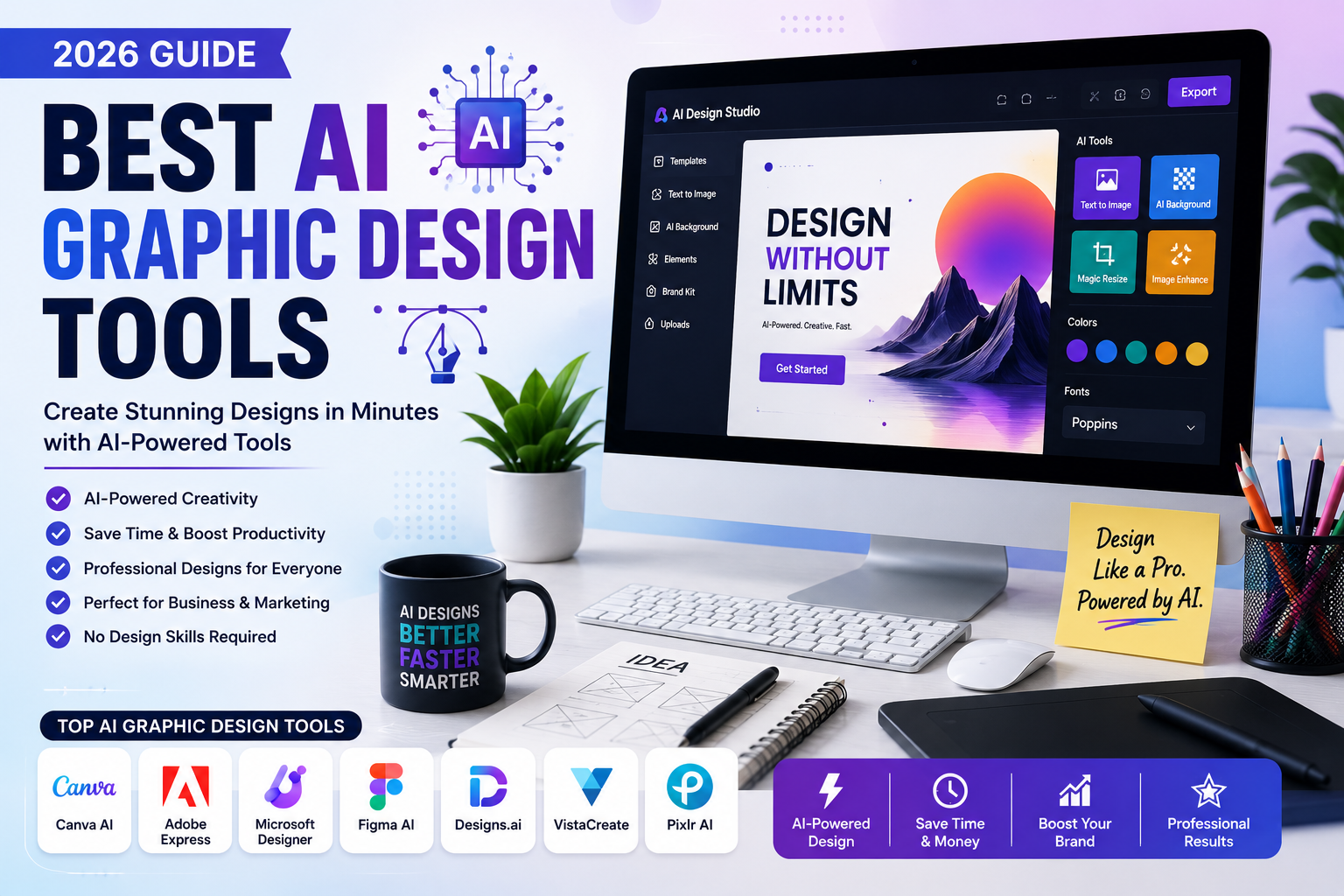
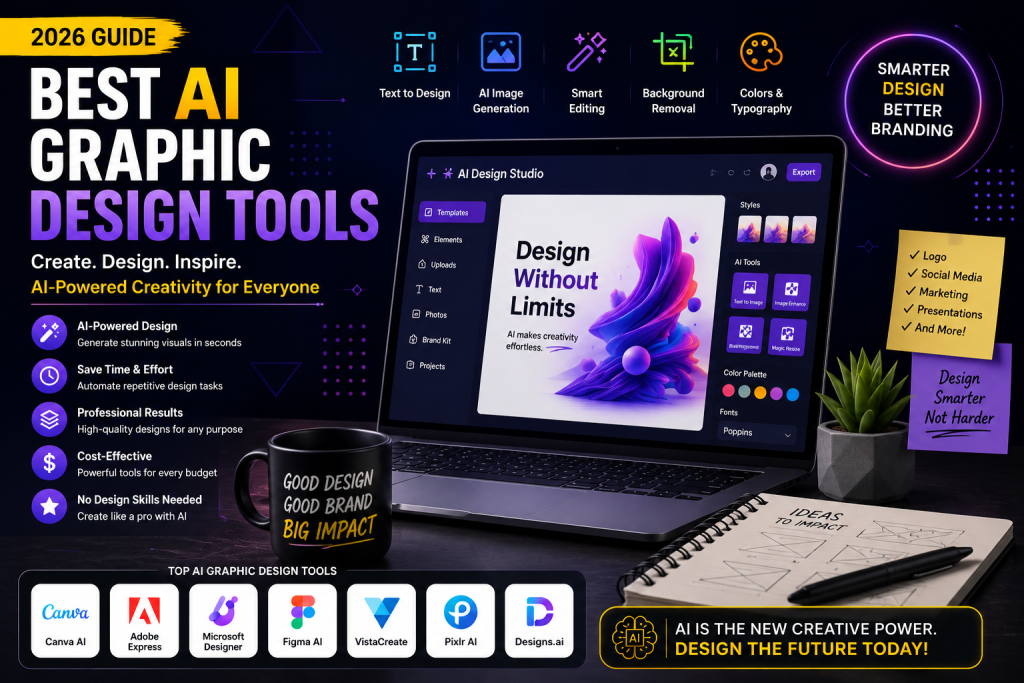
  • Best AI Graphic Design Tools (2026): Top AI Software for Stunning Visual Designs

    Best AI Graphic Design Tools (2026): Top AI Software for Stunning Visual Designs

    Best AI Graphic Design Tools (2026): Top AI Software for Stunning Visual Designs

    Best AI Graphic Design Tools in 2026

    Creating professional graphics has never been easier thanks to artificial intelligence. Whether you’re a business owner, content creator, marketer, freelancer, or designer, the Best AI Graphic Design Tools can help you create eye-catching visuals in minutes. From social media graphics and presentations to logos and marketing materials, AI-powered design software is transforming the creative industry.

    In this guide, we’ll explore the Best AI Graphic Design Tools available in 2026, comparing their features, pricing, and ideal use cases. If you’re looking to improve your design workflow and produce high-quality visuals faster, this article will help you choose the right AI tool.


    What Are AI Graphic Design Tools?

    AI graphic design tools use artificial intelligence to automate design tasks, generate creative layouts, remove backgrounds, edit images, and create original artwork. Instead of spending hours designing from scratch, users can generate professional-quality graphics with just a few clicks.

    The Best AI Graphic Design Tools make design accessible for beginners while providing advanced features for professionals.


    Why US Businesses Use AI Graphic Design Tools

    Businesses across the United States rely on visual content to attract customers and strengthen their brands. The Best AI Graphic Design Tools help organizations:

    • Create professional marketing materials
    • Design social media posts quickly
    • Produce consistent branding
    • Save time on repetitive design tasks
    • Reduce graphic design costs
    • Improve productivity
    • Generate creative ideas instantly

    1. Canva AI

    Canva AI remains one of the Best AI Graphic Design Tools because of its simplicity and powerful AI features.

    Key Features

    • Magic Design
    • AI image generation
    • Background remover
    • Brand Kit
    • Presentation creator

    Best For: Beginners, marketers, and small businesses.


    2. Adobe Express AI

    Adobe Express combines professional design capabilities with AI automation.

    Key Features

    • AI-powered templates
    • Generative AI
    • Text-to-image
    • Image editing
    • Social media design

    Best For: Designers and creative professionals.


    3. Microsoft Designer

    Microsoft Designer uses AI to create polished graphics in seconds.

    Key Features

    • AI-generated layouts
    • Social media graphics
    • Marketing banners
    • Invitation creator
    • Image enhancement

    Best For: Business users and content creators.


    4. Designs.ai

    Designs.ai is one of the Best AI Graphic Design Tools for businesses needing complete branding solutions.

    Key Features

    • Logo maker
    • AI design assistant
    • Video creator
    • Brand assets
    • Graphic templates

    Best For: Agencies and startups.


    5. VistaCreate

    VistaCreate offers thousands of customizable templates powered by AI.

    Key Features

    • Social media templates
    • Animation tools
    • AI editing
    • Brand Kit
    • Stock library

    Best For: Small businesses and influencers.


    6. Figma AI

    Figma AI helps teams collaborate on UI/UX and graphic design projects.

    Key Features

    • AI design suggestions
    • Wireframe generation
    • Team collaboration
    • Prototype creation
    • Smart editing

    Best For: Product designers and developers.


    7. Pixlr AI

    Pixlr AI simplifies photo editing and creative design.

    Key Features

    • AI image generator
    • Background removal
    • One-click editing
    • Filters and effects
    • Batch editing

    Best For: Freelancers and digital marketers.


    How to Choose the Best AI Graphic Design Tools

    When selecting the Best AI Graphic Design Tools, consider these important factors:

    • Ease of use
    • AI-powered features
    • Template library
    • Image quality
    • Collaboration options
    • File export formats
    • Pricing
    • Customer support

    Choosing the right software depends on your creative needs and budget.


    Benefits of Using AI Graphic Design Tools

    The Best AI Graphic Design Tools offer several advantages:

    • Save hours of design work
    • Create professional-quality visuals
    • Improve brand consistency
    • Automate repetitive editing tasks
    • Generate creative ideas
    • Reduce design costs
    • Increase marketing productivity
    • Support collaboration across teams

    These benefits make AI design software a valuable investment for businesses, freelancers, and creators.


    Pricing Comparison

    ToolStarting Price
    Canva AIFree / Pro
    Adobe Express AIFree / Premium
    Microsoft DesignerFree / Premium
    Designs.aiPaid Plans
    VistaCreateFree / Pro
    Figma AIFree / Paid Plans
    Pixlr AIFree / Premium

    Why the Best AI Graphic Design Tools Matter in 2026

    Visual content is essential for digital marketing, branding, and customer engagement. As competition grows, businesses need high-quality graphics that can be produced quickly and consistently. The Best AI Graphic Design Tools enable users to design logos, advertisements, social media posts, presentations, and promotional materials without extensive design experience.

    Whether you’re managing a marketing campaign, launching a startup, or creating content for social media, AI-powered design tools help you work faster while maintaining professional quality.


    Final Verdict

    Choosing the Best AI Graphic Design Tools depends on your workflow and creative goals. Canva AI is ideal for beginners, Adobe Express AI offers professional-grade features, Microsoft Designer excels in quick content creation, Designs.ai supports branding, VistaCreate is excellent for social media graphics, Figma AI enhances collaborative design, and Pixlr AI simplifies image editing.

    If you want to create stunning visuals, improve productivity, and build a stronger brand in 2026, investing in one of the Best AI Graphic Design Tools is a smart decision. Compare features, explore free plans, and choose the platform that best meets your design needs.


    Frequently Asked Questions (FAQs)

    Which are the Best AI Graphic Design Tools?

    Canva AI, Adobe Express AI, Microsoft Designer, Designs.ai, VistaCreate, Figma AI, and Pixlr AI are among the best AI graphic design tools in 2026.

    Are AI graphic design tools free?

    Many platforms offer free plans with optional premium upgrades for advanced features and commercial assets.

    Can AI create professional graphic designs?

    Yes. Modern AI tools can generate logos, social media graphics, presentations, marketing materials, and other high-quality visual content.

    Are AI graphic design tools worth using?

    Absolutely. They save time, improve productivity, reduce costs, and help users create professional designs without advanced graphic design skills.

  • Best AI Logo Makers (2026): Top AI Tools to Create Professional Logos

    Best AI Logo Makers (2026): Top AI Tools to Create Professional Logos

    Best AI Logo Makers (2026): Top AI Tools to Create Professional Logos

    Best AI Logo Makers in 2026

    A professional logo is one of the most important elements of any brand. Whether you’re launching a startup, building an online store, or growing a small business, choosing the Best AI Logo Makers can help you create a stunning logo in minutes without hiring a professional designer. Thanks to artificial intelligence, logo design has become faster, more affordable, and easier than ever.

    In this guide, we’ll explore the Best AI Logo Makers available in 2026. You’ll discover their key features, pricing, advantages, and which tool is best for your branding needs. If you’re looking for a high-quality logo that reflects your business identity, this comparison will help you make the right choice.


    What Are AI Logo Makers?

    AI logo makers are design platforms that use artificial intelligence to generate professional logos based on your business name, industry, color preferences, and design style. Instead of creating a logo from scratch, these tools automatically produce multiple logo concepts that you can customize.

    The Best AI Logo Makers allow businesses to create unique branding assets quickly while saving both time and money.


    Why Businesses in the US Use AI Logo Makers

    Businesses across the United States are increasingly turning to AI-powered design tools to build their brand identity. The Best AI Logo Makers help entrepreneurs and companies:

    • Design professional logos in minutes
    • Reduce branding costs
    • Customize colors, fonts, and layouts
    • Download high-resolution logo files
    • Build consistent brand identity
    • Create logos without graphic design experience

    1. Looka

    Looka is one of the Best AI Logo Makers for startups and small businesses.

    Key Features

    • AI-generated logo concepts
    • Brand kit creation
    • Business card designs
    • Social media branding
    • High-resolution downloads

    Best For: Entrepreneurs and startups.


    2. LogoAI

    LogoAI creates modern and professional logos using advanced AI technology.

    Key Features

    • AI logo generator
    • Automatic branding
    • Logo customization
    • Brand identity package
    • Vector downloads

    Best For: Small businesses.


    3. Wix Logo Maker

    Wix Logo Maker combines AI with easy customization.

    Key Features

    • Personalized logo suggestions
    • Drag-and-drop editor
    • Website integration
    • Brand assets
    • Multiple file formats

    Best For: Website owners.


    4. Canva AI Logo Maker

    Canva remains one of the Best AI Logo Makers because of its beginner-friendly interface.

    Key Features

    • AI-powered logo templates
    • Extensive icon library
    • Font customization
    • Social media integration
    • Brand Kit support

    Best For: Content creators and freelancers.


    5. Tailor Brands

    Tailor Brands offers a complete branding solution beyond logo creation.

    Key Features

    • AI logo generation
    • Business branding tools
    • Domain search
    • Website builder
    • Brand guidelines

    Best For: Growing businesses.


    6. Adobe Express AI

    Adobe Express combines professional design capabilities with AI automation.

    Key Features

    • AI-generated logos
    • Premium templates
    • Adobe Fonts
    • Brand customization
    • Cloud storage

    Best For: Designers and marketers.


    7. Designs.ai

    Designs.ai provides AI-powered branding tools for businesses of all sizes.

    Key Features

    • Logo maker
    • AI design assistant
    • Marketing assets
    • Video creator
    • Brand management

    Best For: Agencies and digital marketers.


    How to Choose the Best AI Logo Makers

    When selecting the Best AI Logo Makers, consider these important factors:

    • Design quality
    • Customization options
    • File formats (PNG, SVG, PDF)
    • Brand kit availability
    • Pricing
    • Ease of use
    • Commercial licensing
    • Customer support

    Choosing the right tool depends on your branding goals and business requirements.


    Benefits of Using AI Logo Makers

    The Best AI Logo Makers offer several advantages:

    • Save time on logo creation
    • Lower branding costs
    • Generate multiple logo concepts
    • Create professional-quality designs
    • Build consistent brand identity
    • Download print-ready files
    • Easy customization
    • No design experience required

    These benefits make AI logo makers an excellent choice for startups, freelancers, and established businesses.


    Pricing Comparison

    ToolStarting Price
    LookaPaid Plans
    LogoAIPaid Plans
    Wix Logo MakerFree Design / Paid Download
    Canva AIFree / Pro
    Tailor BrandsPaid Plans
    Adobe Express AIFree / Premium
    Designs.aiPaid Plans

    Why the Best AI Logo Makers Matter in 2026

    Brand identity is more important than ever in today’s competitive digital landscape. Businesses need memorable logos that build trust and recognition. The Best AI Logo Makers allow entrepreneurs to create premium-quality logos quickly without spending hundreds of dollars on traditional design services.

    Whether you’re launching a new company, redesigning your existing brand, or starting an online business, AI-powered logo makers help you establish a strong visual identity while saving valuable time.


    Final Verdict

    Choosing the Best AI Logo Makers depends on your budget and branding needs. Looka offers complete branding packages, LogoAI provides modern AI-generated designs, Wix Logo Maker integrates perfectly with websites, Canva AI simplifies logo creation, Tailor Brands delivers complete business branding, Adobe Express AI offers professional creative tools, and Designs.ai supports comprehensive marketing assets.

    If you’re planning to build a strong brand in 2026, investing in one of the Best AI Logo Makers is a smart decision. Compare features, explore free options, and choose the platform that best fits your business goals.


    Frequently Asked Questions (FAQs)

    Which are the Best AI Logo Makers?

    Looka, LogoAI, Canva AI, Wix Logo Maker, Tailor Brands, Adobe Express AI, and Designs.ai are among the best AI logo makers in 2026.

    Are AI logo makers free?

    Many AI logo makers offer free logo creation, but high-resolution downloads and branding kits usually require a paid plan.

    Can AI create professional logos?

    Yes. Modern AI logo makers generate high-quality, customizable logos suitable for businesses, startups, and personal brands.

    Are AI logo makers worth using?

    Absolutely. AI logo makers save time, reduce design costs, and help businesses create professional brand identities without hiring a graphic designer.

  • Best AI SEO Tools (2026): Improve Rankings with AI-Powered SEO Software

    Best AI SEO Tools (2026): Improve Rankings with AI-Powered SEO Software

    Best AI SEO Tools (2026): Improve Rankings with AI-Powered SEO Software

    If you’re looking for the Best AI SEO Tools, you’re in the right place. Search engine optimization has become more competitive than ever, and artificial intelligence is transforming how businesses improve their rankings. From keyword research and content optimization to technical audits and competitor analysis, the Best AI SEO Tools help marketers, bloggers, and businesses save time while achieving better results.

    In this guide, we’ll explore the Best AI SEO Tools available in 2026 and explain which platforms are worth using for your SEO strategy.

    Why Use the Best AI SEO Tools?

    The Best AI SEO Tools automate time-consuming SEO tasks and provide data-driven insights that help improve search rankings. Instead of spending hours researching keywords or analyzing competitors, AI-powered software delivers actionable recommendations within minutes.

    Key benefits include:

    • Faster keyword research
    • Content optimization for search engines
    • Technical SEO analysis
    • Competitor tracking
    • Backlink opportunities
    • Improved website performance

    For businesses targeting customers in the United States, AI SEO software can significantly increase organic traffic and online visibility.

    Top Best AI SEO Tools in 2026

    1. Surfer SEO

    Surfer SEO is one of the Best AI SEO Tools for optimizing blog posts and landing pages. It analyzes top-ranking pages and recommends improvements based on real-time SEO data.

    Best For:

    • Content optimization
    • On-page SEO
    • Keyword placement

    2. Semrush

    Semrush remains a leading SEO platform with AI-powered features for keyword research, competitor analysis, backlink tracking, and site audits.

    Pros:

    • Extensive keyword database
    • AI writing assistance
    • Technical SEO reports
    • Position tracking

    Best For: Digital marketers and SEO agencies.

    3. Ahrefs

    Ahrefs is known for its powerful backlink analysis and keyword research capabilities. It also helps users discover ranking opportunities through detailed SEO insights.

    Pros:

    • Excellent backlink database
    • Content Explorer
    • Site audits
    • Competitor analysis

    Best For: SEO professionals and businesses.

    4. Frase

    Frase combines AI writing with SEO optimization, making it one of the Best AI SEO Tools for creating search-friendly content.

    Features include:

    • AI content briefs
    • Content optimization
    • SERP analysis
    • Question research

    5. Clearscope

    Clearscope helps writers create high-quality, keyword-rich content that matches user intent. It analyzes top-performing pages and recommends relevant terms to include.

    Best For:

    • Enterprise content teams
    • SEO copywriters
    • Publishers

    How to Choose the Best AI SEO Tools

    When selecting the Best AI SEO Tools, consider the following factors:

    • Keyword research capabilities
    • Content optimization features
    • Technical SEO audits
    • AI-powered recommendations
    • Ease of use
    • Reporting dashboards
    • Pricing and scalability

    The right tool should fit your business goals, budget, and SEO experience.

    Who Should Use AI SEO Software?

    The Best AI SEO Tools are ideal for:

    • Bloggers
    • Affiliate marketers
    • Digital marketing agencies
    • Small businesses
    • eCommerce stores
    • Freelance SEO specialists
    • Content creators
    • Large enterprises

    Whether you’re optimizing a personal blog or managing multiple client websites, AI SEO tools can improve efficiency and performance.

    Are AI SEO Tools Worth It?

    Absolutely. The Best AI SEO Tools simplify complex SEO tasks while providing valuable insights that help improve rankings. They don’t replace SEO expertise, but they make research, optimization, and reporting much faster.

    To achieve the best results, combine AI recommendations with high-quality content, a strong backlink strategy, and excellent user experience. Google’s ranking systems reward helpful, relevant, and trustworthy content, making human editing just as important as AI assistance.

    Final Verdict

    Choosing the Best AI SEO Tools depends on your specific needs. Surfer SEO excels in content optimization, Semrush offers an all-in-one SEO platform, Ahrefs dominates backlink analysis, Frase streamlines AI content creation, and Clearscope delivers premium content optimization.

    If you want to grow your website’s organic traffic in 2026, investing in the Best AI SEO Tools is a smart decision. These platforms help businesses, marketers, bloggers, and agencies create optimized content, identify ranking opportunities, and stay ahead of competitors.

    Whether you’re just starting your SEO journey or managing a large-scale digital marketing campaign, the Best AI SEO Tools can help you build a stronger online presence, improve search rankings, and achieve long-term success in the competitive US market.