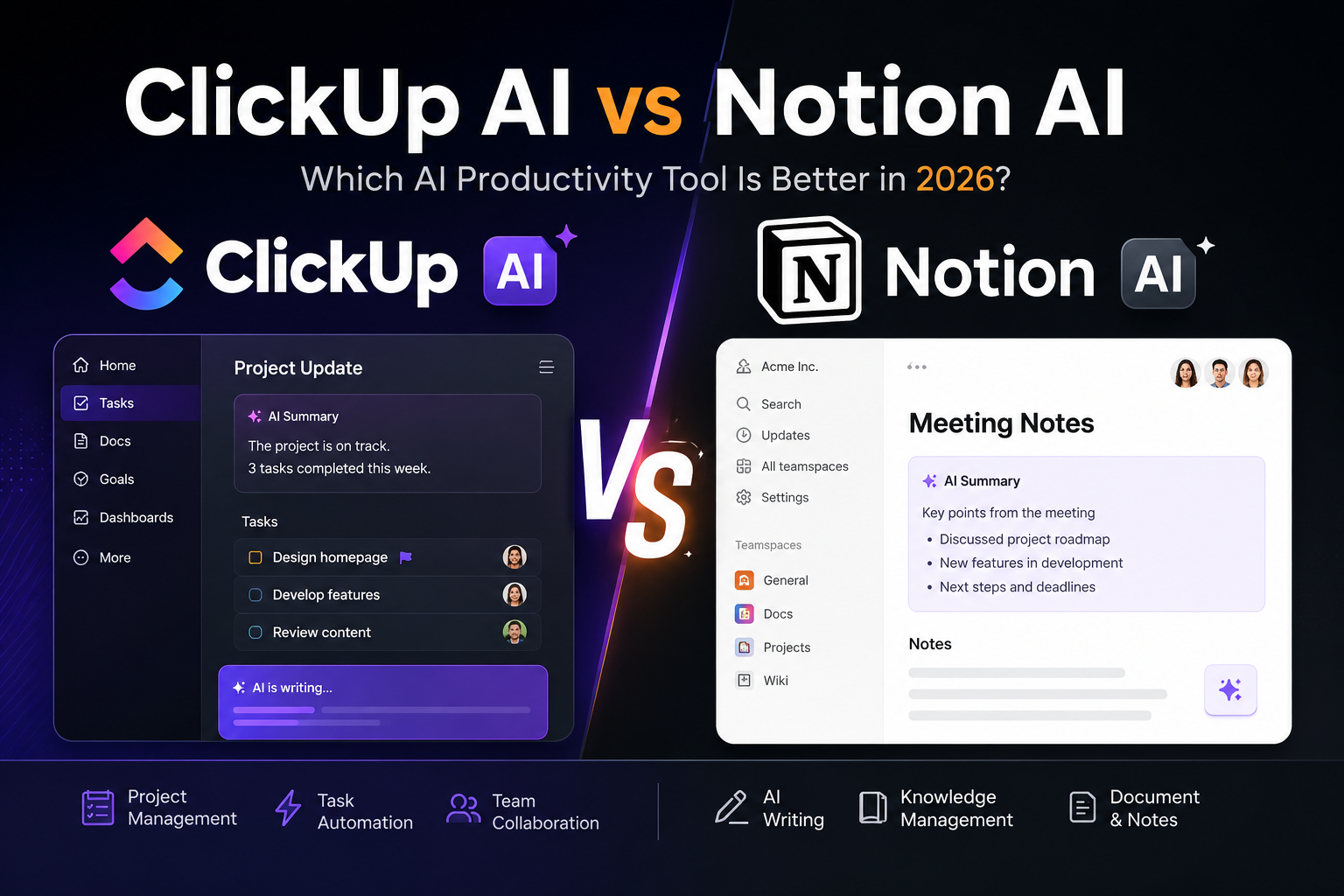
ClickUp AI vs Notion AI (2026): Which AI Productivity Tool Is Better?
Artificial intelligence is changing how individuals and businesses manage tasks, documents, and team collaboration. From writing content and organizing projects to automating workflows, AI-powered productivity platforms are becoming essential. If you’re comparing ClickUp AI vs Notion AI, this guide will help you decide which platform offers the best value in 2026.
Whether you’re a project manager, entrepreneur, freelancer, student, or business owner in the United States, choosing the right AI workspace can boost efficiency and simplify daily work. In this comparison, we’ll evaluate ClickUp AI vs Notion AI based on features, ease of use, collaboration, AI capabilities, pricing, integrations, and overall productivity.
Why Compare ClickUp AI vs Notion AI?
Although both tools use artificial intelligence to improve productivity, they focus on different workflows and user needs.
Before making your decision, compare these key factors:
- AI writing capabilities
- Project management features
- Task automation
- Knowledge management
- Collaboration tools
- Templates
- Integrations
- Ease of use
- Pricing
Understanding these differences will help you select the productivity platform that best fits your workflow.
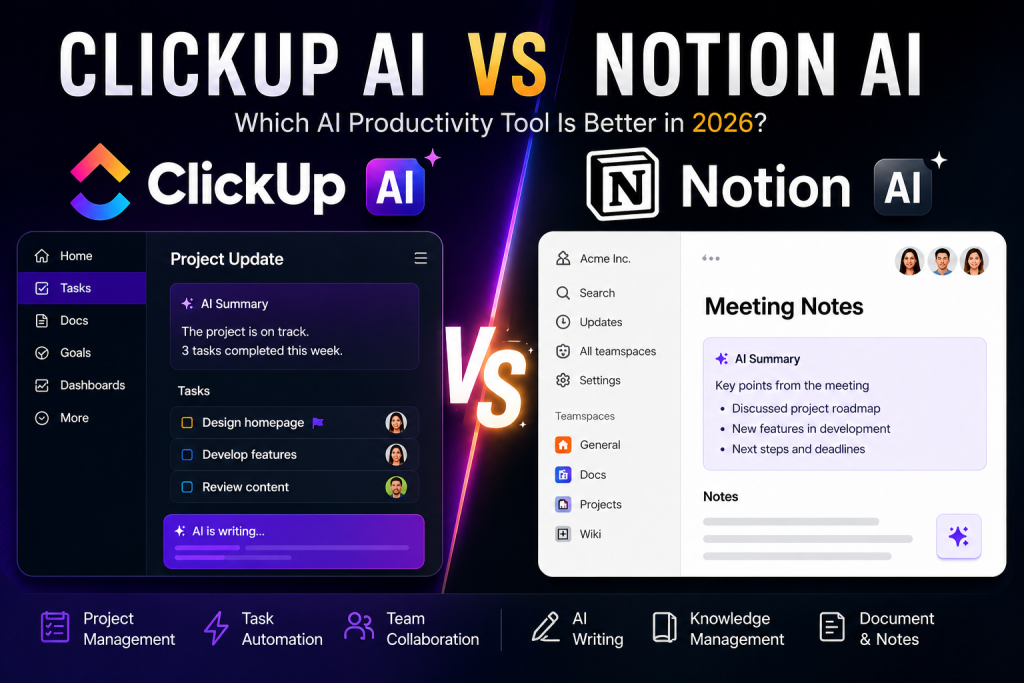
ClickUp AI vs Notion AI: Quick Overview
ClickUp AI
ClickUp AI is designed for project management, task tracking, team collaboration, and workflow automation. Its AI assistant helps users create tasks, summarize meetings, generate documents, and improve project efficiency.
Key Features
- AI task creation
- Project management
- Meeting summaries
- Workflow automation
- Time tracking
- Team collaboration
Best For
Businesses, agencies, project managers, operations teams, and remote organizations.
Notion AI
Notion AI combines note-taking, documentation, databases, and AI writing into one flexible workspace. It helps users generate content, summarize notes, brainstorm ideas, and organize knowledge.
Key Features
- AI writing assistant
- Smart note organization
- Knowledge management
- Document summaries
- Database support
- Team collaboration
Best For
Students, startups, content creators, educators, freelancers, and knowledge workers.
ClickUp AI vs Notion AI: Feature Comparison
AI Writing
When comparing ClickUp AI vs Notion AI, both platforms include AI writing features but with different strengths.
ClickUp AI focuses on productivity by generating task descriptions, project updates, meeting notes, and internal documentation.
Notion AI excels at blog writing, brainstorming, summarizing documents, rewriting content, and creating structured notes.
Project Management
ClickUp provides one of the most complete project management systems available, offering task dependencies, dashboards, timelines, goals, calendars, and automation.
Notion offers project tracking as well, but its strength lies in flexibility rather than advanced project management.
Collaboration
Both tools support real-time collaboration.
ClickUp is ideal for larger teams that manage complex projects across departments.
Notion provides collaborative documents, shared workspaces, and databases that are easy to customize for smaller teams.
Integrations
ClickUp integrates with hundreds of business tools, including Slack, Google Drive, GitHub, Zoom, and Microsoft Teams.
Notion also supports numerous integrations while maintaining a streamlined workspace for documents and knowledge management.
Ease of Use
Notion offers a clean, minimal interface that many users find easy to customize.
ClickUp includes more advanced features, making it powerful but requiring a slightly longer learning curve.
Pricing
Both platforms provide free plans with premium upgrades.
ClickUp delivers excellent value for businesses that need advanced project management.
Notion is a strong option for individuals and teams focused on documentation, collaboration, and content creation.
Pros and Cons
ClickUp AI
Pros
- Powerful project management
- Excellent workflow automation
- Advanced collaboration
- Time tracking
- Business-focused AI features
Cons
- Can feel overwhelming for beginners.
- Some advanced AI features require paid plans.
Notion AI
Pros
- Outstanding document creation
- Flexible workspace
- Excellent note-taking
- Clean interface
- Strong AI writing capabilities
Cons
- Project management features are less advanced than ClickUp.
- Heavy customization may require setup time.
Who Should Choose ClickUp AI?
Choose ClickUp AI if you need:
- Project management
- Task automation
- Team collaboration
- Workflow optimization
- Business operations
- Agile project planning
Who Should Choose Notion AI?
Choose Notion AI if you need:
- AI writing
- Note-taking
- Knowledge management
- Documentation
- Brainstorming
- Content creation
Final Verdict
When comparing ClickUp AI vs Notion AI, the best choice depends on your workflow and business requirements.
ClickUp AI is the better option for organizations that require advanced project management, task automation, team collaboration, and operational efficiency. Its powerful productivity tools make it an excellent solution for growing businesses and professional teams.
Notion AI is ideal for users who prioritize note-taking, documentation, knowledge management, and AI-assisted writing. Its flexible workspace is especially valuable for students, creators, freelancers, startups, and professionals managing information rather than complex projects.
As AI-powered productivity software continues to evolve throughout 2026, both platforms are becoming more intelligent and feature-rich. By understanding the strengths of ClickUp AI vs Notion AI, you can confidently choose the platform that best supports your productivity goals, collaboration style, and long-term workflow.
Leave a Reply