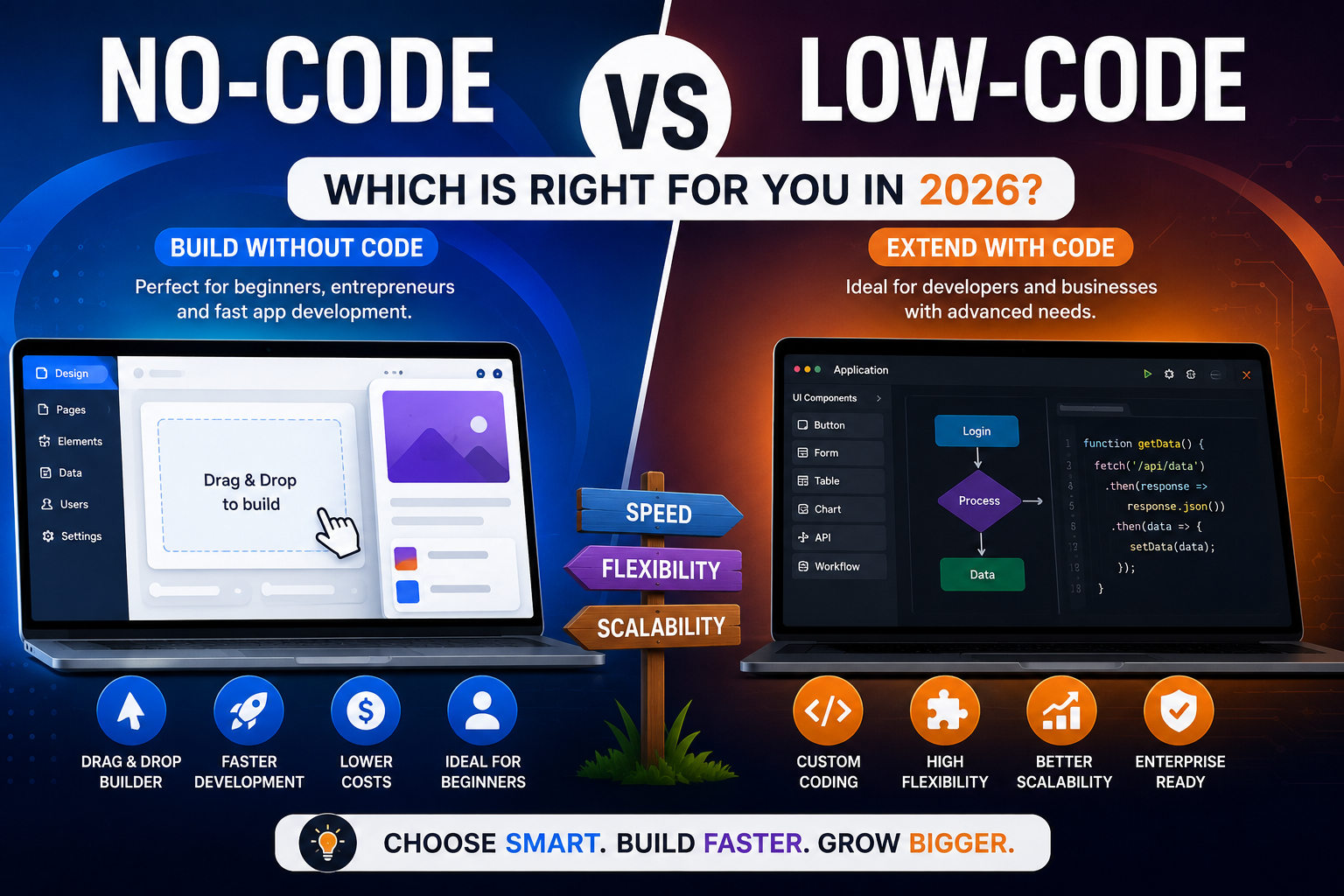
No-Code vs Low-Code (2026): Which Development Platform Is Better?
As digital transformation accelerates across the United States, businesses are searching for faster and more affordable ways to build software. One of the biggest debates today is No-Code vs Low-Code. Both approaches simplify application development, reduce costs, and speed up deployment, but they serve different audiences and project requirements.
If you’re comparing No-Code vs Low-Code, this guide explains the key differences, advantages, disadvantages, and ideal use cases to help you choose the right development platform in 2026.
What Is No-Code Development?
When discussing No-Code vs Low-Code, it’s important to understand what no-code development means.
No-code platforms allow users to create websites, mobile apps, and business software using visual drag-and-drop builders without writing any code. These platforms are designed for entrepreneurs, business owners, marketers, and non-technical users.
Popular no-code platforms include:
- Bubble
- Webflow
- Glide
- Softr
- Adalo
No-code development makes software creation faster and more accessible.
What Is Low-Code Development?
Another key part of No-Code vs Low-Code is understanding low-code development.
Low-code platforms provide visual development tools while allowing developers to write custom code whenever advanced functionality is needed.
Popular low-code platforms include:
- Microsoft Power Apps
- Mendix
- OutSystems
- Appian
- Salesforce Lightning
Low-code is ideal for developers who need flexibility while accelerating software delivery.
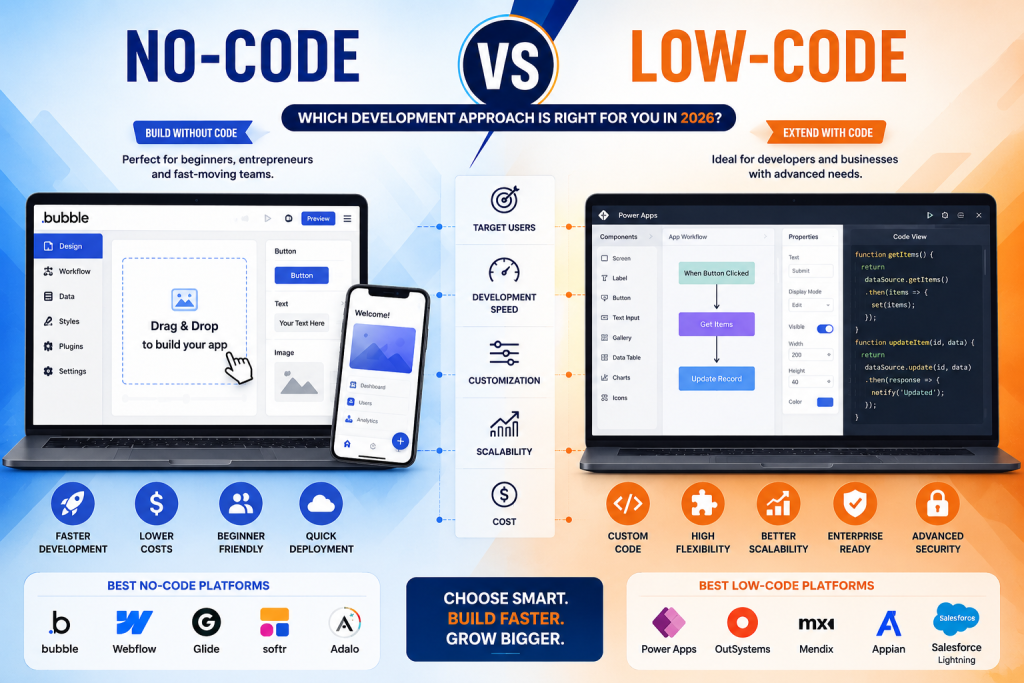
No-Code vs Low-Code: Key Differences
| Feature | No-Code | Low-Code |
|---|---|---|
| Coding Required | None | Minimal |
| Target Users | Beginners & Business Users | Developers & IT Teams |
| Customization | Limited | High |
| Learning Curve | Easy | Moderate |
| Development Speed | Very Fast | Fast |
| Scalability | Moderate | Excellent |
| Enterprise Support | Basic | Advanced |
Understanding these differences makes No-Code vs Low-Code easier to evaluate.
Advantages of No-Code
The No-Code vs Low-Code comparison shows several advantages for no-code platforms:
- No programming knowledge required
- Faster MVP development
- Lower development costs
- Simple drag-and-drop interface
- Quick deployment
- Ideal for startups and small businesses
These benefits make no-code an excellent option for entrepreneurs launching products quickly.
Advantages of Low-Code
The No-Code vs Low-Code debate often favors low-code for complex business applications.
Key benefits include:
- Greater customization
- Enterprise-level scalability
- API integrations
- Advanced security
- Better performance
- Custom business workflows
Low-code is especially valuable for organizations with internal development teams.
When Should You Choose No-Code?
Choose no-code if you want to:
- Build an MVP quickly
- Launch a startup
- Create a website
- Develop internal tools
- Build simple mobile apps
- Reduce development costs
Many startups choose no-code because it accelerates product validation.
When Should You Choose Low-Code?
Choose low-code if you need:
- Enterprise software
- Advanced integrations
- Complex databases
- Custom workflows
- High scalability
- Long-term software growth
Businesses handling large amounts of data often benefit more from low-code development.
Best Platforms in 2026
If you’re evaluating No-Code vs Low-Code, these are among the leading platforms.
Best No-Code Platforms
- Bubble
- FlutterFlow
- Webflow
- Glide
- Softr
Best Low-Code Platforms
- Microsoft Power Apps
- Mendix
- OutSystems
- Appian
- Salesforce Lightning
Each platform serves different business needs depending on project complexity.
Which Is Better for Businesses?
The answer to No-Code vs Low-Code depends on your goals.
Choose No-Code if:
- You have limited technical knowledge.
- You need to launch quickly.
- You have a smaller budget.
- Your application is relatively simple.
Choose Low-Code if:
- You require advanced customization.
- Your project must scale significantly.
- You need enterprise-grade security.
- Your developers want to extend functionality with custom code.
Future of No-Code and Low-Code
The future of No-Code vs Low-Code is driven by artificial intelligence. AI-powered builders now generate interfaces, automate workflows, write code snippets, and improve app performance.
By 2026, many businesses will combine no-code and low-code tools to accelerate innovation while maintaining flexibility. Hybrid development approaches are expected to become the standard for organizations of all sizes.
Final Verdict
The No-Code vs Low-Code decision depends on your technical expertise, budget, and project requirements. No-code platforms are perfect for entrepreneurs, startups, and small businesses looking for speed and simplicity. Low-code platforms offer the customization, scalability, and security required for enterprise applications.
As AI continues to transform software development in 2026, both no-code and low-code solutions will play a major role in helping businesses build modern applications faster than ever before.
Frequently Asked Questions (FAQs)
What is the difference between no-code and low-code?
No-code requires no programming, while low-code allows developers to add custom code when needed.
Which is better for beginners?
No-code platforms are generally better for beginners because they use drag-and-drop interfaces.
Can businesses use no-code platforms?
Yes. Many startups and small businesses successfully build websites, internal tools, and apps using no-code platforms.
Is low-code better for enterprise applications?
Yes. Low-code platforms provide advanced customization, integrations, and scalability, making them ideal for enterprise software.