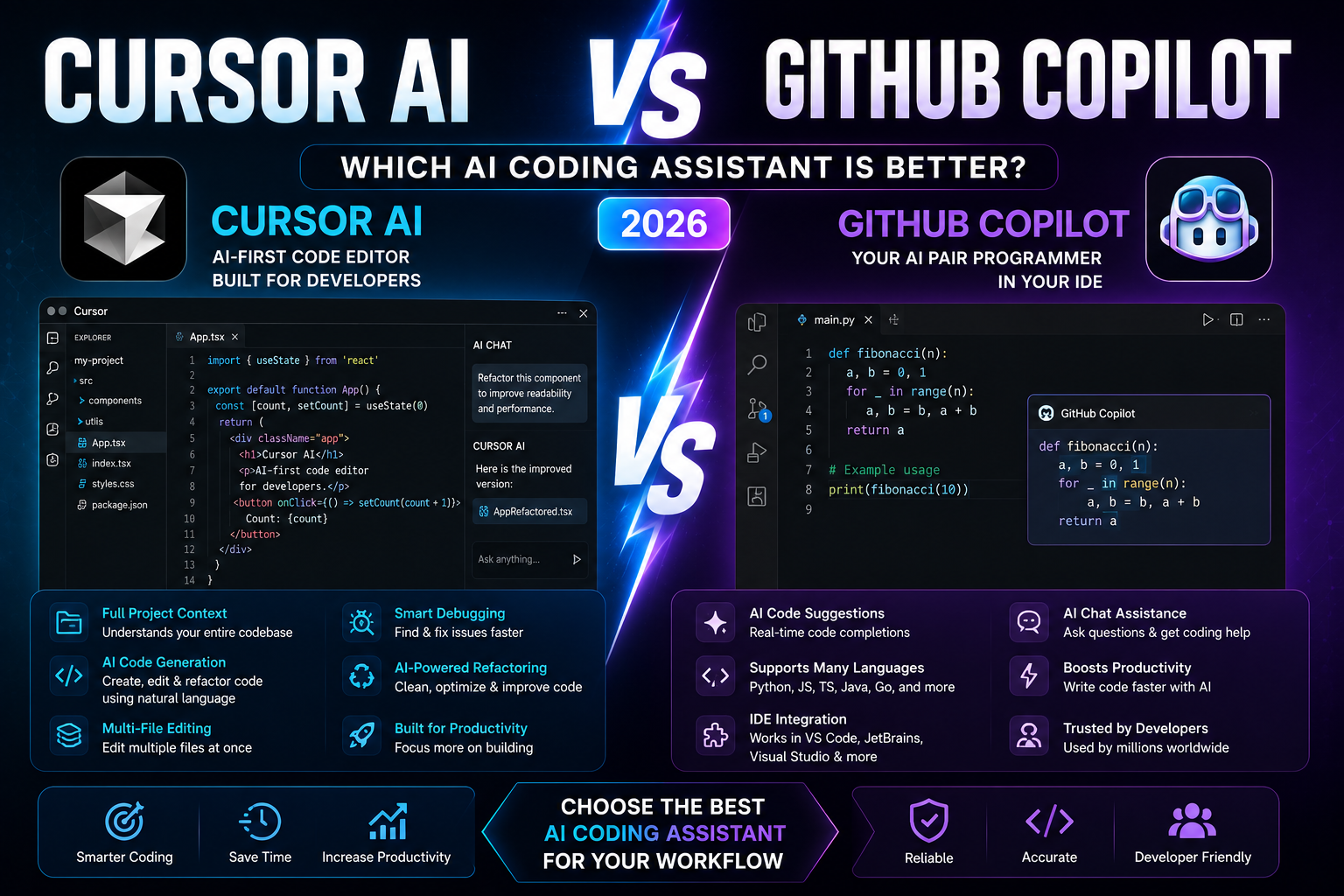
Cursor AI vs GitHub Copilot (2026): Which AI Coding Assistant Is Better?
Artificial intelligence has transformed software development by helping developers write code faster, debug errors, and automate repetitive programming tasks. Two of the most popular AI coding assistants are Cursor AI and GitHub Copilot. If you’re comparing Cursor AI vs GitHub Copilot, this guide will help you determine which tool is the better choice in 2026.
Whether you’re a software developer, computer science student, startup founder, freelancer, or engineering team in the United States, selecting the right AI coding assistant can significantly improve productivity. In this comparison, we’ll evaluate Cursor AI vs GitHub Copilot based on coding accuracy, features, AI capabilities, pricing, supported languages, integrations, and overall value.
Why Compare Cursor AI vs GitHub Copilot?
Both platforms are designed to accelerate software development, but they approach coding assistance differently.
Before choosing one, consider these factors:
- Code completion accuracy
- AI-powered code generation
- Debugging assistance
- Project understanding
- IDE compatibility
- Supported programming languages
- Collaboration features
- Pricing
- Security and privacy
Understanding these differences will help you choose the best AI coding assistant for your workflow.
Cursor AI vs GitHub Copilot: Quick Overview
Cursor AI
Cursor AI is an AI-first code editor built specifically for developers. It understands your entire codebase, allowing you to edit multiple files, refactor code, explain functions, and generate new features using natural language.
Best Features
- AI-powered code editing
- Full project context
- Multi-file editing
- Smart debugging
- Natural language code generation
- Fast code refactoring
Best For
Professional developers, startups, software engineers, and advanced programmers.
GitHub Copilot
GitHub Copilot is an AI coding assistant integrated into popular code editors such as Visual Studio Code, JetBrains IDEs, and Visual Studio. It provides real-time code suggestions and supports dozens of programming languages.
Best Features
- Intelligent code completion
- Inline code suggestions
- AI chat for coding
- Documentation assistance
- Strong IDE integration
- Broad language support
Best For
Students, developers, enterprise teams, and GitHub users.
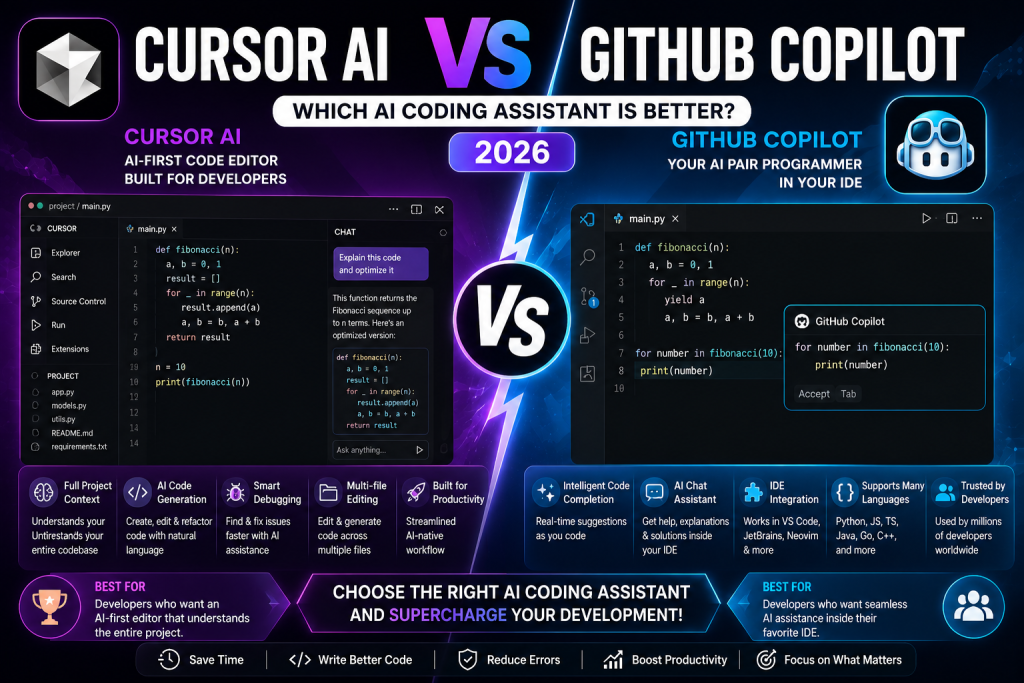
Cursor AI vs GitHub Copilot: Feature Comparison
Code Generation
When comparing Cursor AI vs GitHub Copilot, both tools generate high-quality code.
Cursor AI goes beyond autocomplete by understanding the entire project structure. Developers can ask it to modify multiple files or implement new functionality using simple prompts.
GitHub Copilot excels at real-time code suggestions, helping developers write functions, loops, tests, and boilerplate code quickly.
Code Understanding
Cursor AI stands out because it can analyze the broader context of your project instead of only the current file. This makes refactoring and debugging more efficient.
GitHub Copilot focuses primarily on contextual suggestions within the active coding session while also offering conversational coding assistance.
Supported Programming Languages
Both platforms support many popular languages, including:
- Python
- JavaScript
- TypeScript
- Java
- C++
- C#
- Go
- PHP
- Ruby
- Rust
- Kotlin
- Swift
This broad language support makes both tools suitable for web, mobile, desktop, and backend development.
Developer Experience
Cursor AI offers an AI-native coding experience where developers interact directly with the editor using natural language.
GitHub Copilot integrates seamlessly into existing IDEs, making it ideal for developers who prefer to continue using familiar tools.
Pricing
Both platforms offer subscription plans with advanced AI capabilities.
The best value depends on your coding workflow, preferred editor, and team requirements.
Pros and Cons
Cursor AI
Pros
- Excellent understanding of entire projects
- Powerful AI editing tools
- Advanced debugging
- Multi-file code generation
- Great for experienced developers
Cons
- Requires adapting to a dedicated AI editor.
- Some advanced capabilities require a paid subscription.
GitHub Copilot
Pros
- Outstanding IDE integration
- Fast code completion
- Beginner-friendly
- Supports many programming languages
- Large developer ecosystem
Cons
- Project-wide understanding is more limited than Cursor AI.
- Advanced workflows may require additional tools.
Who Should Choose Cursor AI?
Choose Cursor AI if you need:
- Large project refactoring
- AI-assisted debugging
- Full codebase understanding
- Advanced software development workflows
- AI-first coding experience
Who Should Choose GitHub Copilot?
Choose GitHub Copilot if you need:
- Fast code completion
- AI coding suggestions
- IDE integration
- Beginner-friendly assistance
- Daily programming productivity
Final Verdict
When comparing Cursor AI vs GitHub Copilot, there is no single winner because each platform serves different developer needs.
Cursor AI is an excellent option for experienced developers who want an AI-native editor capable of understanding entire projects, performing complex refactoring, and accelerating professional software development.
GitHub Copilot remains one of the best AI coding assistants for developers who want seamless integration with their favorite IDEs, reliable code completion, and strong support across many programming languages.
As AI-powered software development continues to evolve throughout 2026, both tools will play an increasingly important role in improving developer productivity. By understanding the strengths of Cursor AI vs GitHub Copilot, you can choose the coding assistant that best matches your experience level, workflow, and development goals.