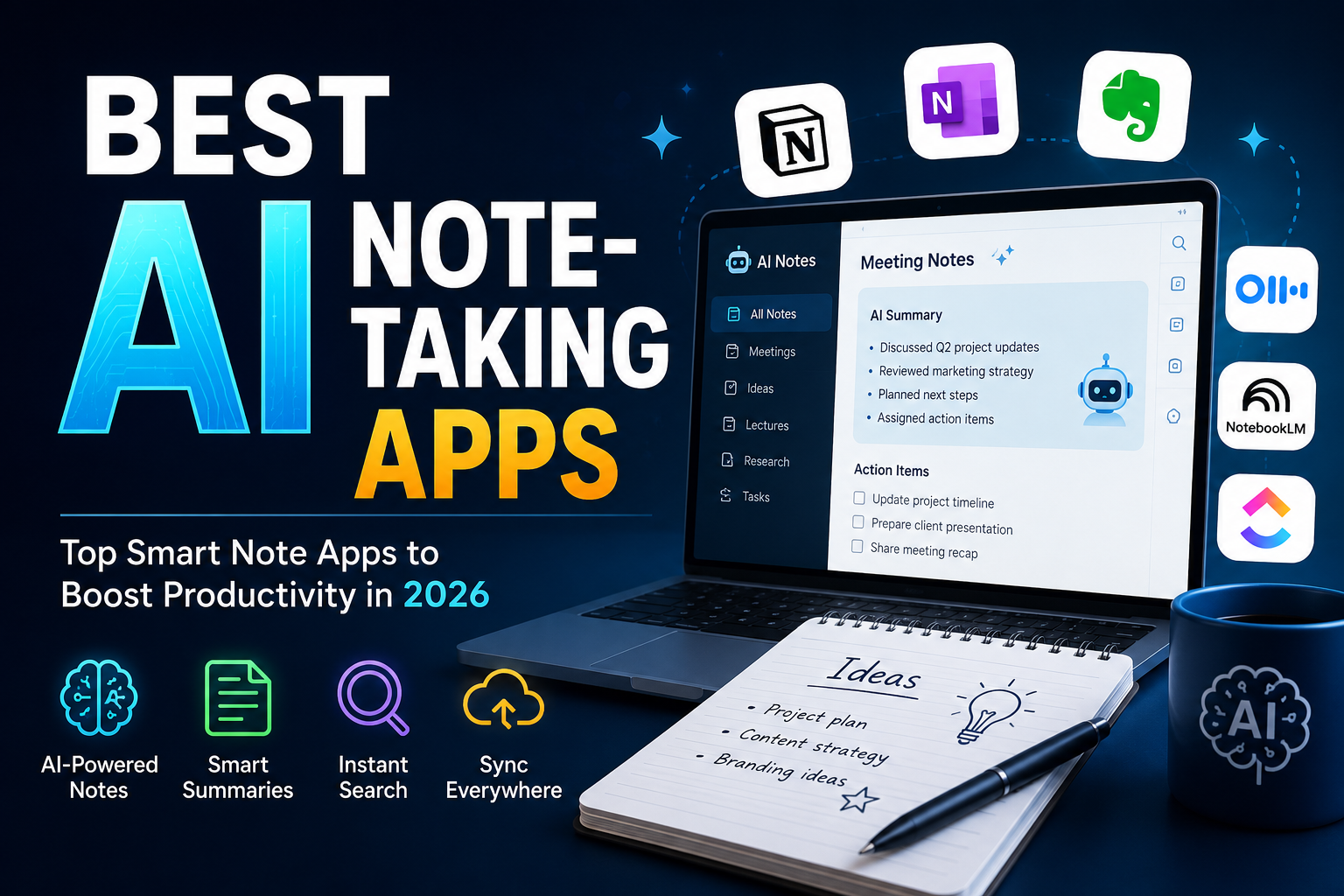
Best AI Note-Taking Apps (2026): Top Picks for Smarter Notes
Artificial intelligence has transformed how people capture, organize, and retrieve information. Whether you’re a student attending lectures, a business professional joining meetings, or a content creator managing ideas, the Best AI Note-Taking Apps can save hours of work while improving productivity.
In this guide, we’ll compare the Best AI Note-Taking Apps available in 2026, highlighting their features, pricing, and ideal users. If you’re searching for the right AI-powered note app in the United States, this comparison will help you make the best choice.
Why Use AI Note-Taking Apps?
Modern AI note-taking software goes far beyond simple text editing. The Best AI Note-Taking Apps can:
- Automatically transcribe meetings
- Summarize long conversations
- Generate action items
- Organize notes intelligently
- Search notes instantly using AI
- Sync across multiple devices
Instead of manually reviewing lengthy notes, AI helps you find important information in seconds.
Best AI Note-Taking Apps in 2026
1. Notion AI
Notion AI remains one of the Best AI Note-Taking Apps for students, remote workers, and businesses.
Key Features
- AI writing assistant
- Automatic summaries
- Task management
- Document collaboration
- Powerful templates
Best For: Productivity enthusiasts and teams
2. Microsoft OneNote + Copilot
Microsoft has transformed OneNote into one of the Best AI Note-Taking Apps by integrating Copilot.
Features
- Meeting summaries
- AI-generated notes
- Microsoft 365 integration
- Voice transcription
- Smart organization
Best For: Office professionals in the US
3. Evernote AI
Evernote continues evolving with AI-powered search and writing assistance.
Features
- AI Search
- Document scanning
- Note summaries
- Web clipping
- Cross-platform syncing
Best For: Personal organization
4. Google NotebookLM
NotebookLM has quickly become one of the Best AI Note-Taking Apps for research.
Features
- AI research assistant
- Source-based answers
- PDF analysis
- Google Workspace integration
- Document summarization
Best For: Researchers and students
5. ClickUp AI
ClickUp combines project management with intelligent note-taking.
Features
- AI meeting notes
- Task generation
- Project documentation
- Team collaboration
- Workflow automation
Best For: Businesses and startups
6. Otter.ai
Otter.ai specializes in meeting transcription.
Features
- Live transcription
- Speaker identification
- AI summaries
- Zoom integration
- Google Meet support
Best For: Remote meetings
7. Mem AI
Mem AI automatically organizes your notes using machine learning.
Features
- Smart organization
- AI search
- Instant note linking
- Automatic categorization
- Writing assistance
Best For: Knowledge workers
Comparison Table
| App | AI Features | Free Plan | Best For |
|---|---|---|---|
| Notion AI | Excellent | Yes | Teams & Students |
| OneNote + Copilot | Excellent | Yes | Microsoft Users |
| Evernote AI | Very Good | Yes | Personal Notes |
| NotebookLM | Excellent | Yes | Research |
| ClickUp AI | Excellent | Limited | Businesses |
| Otter.ai | Excellent | Yes | Meetings |
| Mem AI | Very Good | Trial | Professionals |
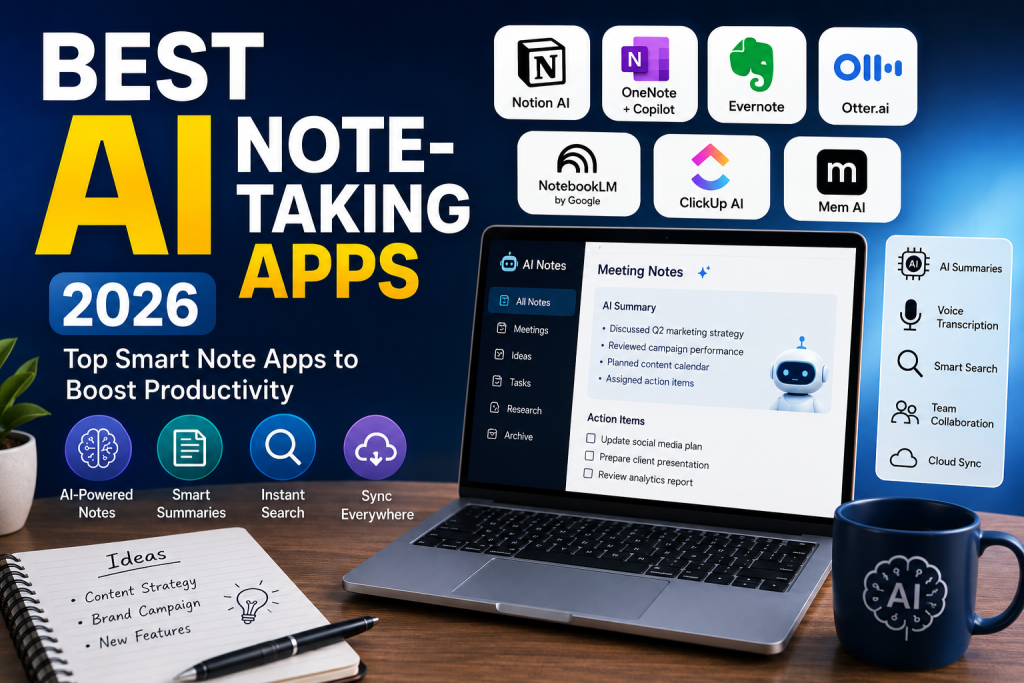
How to Choose the Best AI Note-Taking Apps
Before selecting from the Best AI Note-Taking Apps, consider:
Ease of Use
Choose software with a simple interface.
AI Accuracy
Look for reliable transcription and summarization.
Collaboration
If you work with teams, prioritize sharing and collaboration features.
Cloud Sync
Cross-device syncing is essential.
Budget
Many AI note apps offer free plans, while premium versions unlock advanced AI features.
Which AI Note App Is Best for Different Users?
Students
- Notion AI
- NotebookLM
Professionals
- Microsoft OneNote + Copilot
- Otter.ai
Businesses
- ClickUp AI
- Notion AI
Researchers
- NotebookLM
- Evernote AI
Choosing the Best AI Note-Taking Apps depends on your workflow, preferred ecosystem, and collaboration needs.
Benefits of AI Note-Taking
Using the Best AI Note-Taking Apps offers several advantages:
- Saves time
- Improves productivity
- Organizes information automatically
- Reduces manual note-taking
- Makes searching easier
- Enhances collaboration
- Creates meeting summaries instantly
For professionals in the US, AI note-taking has become an essential productivity tool in 2026.
Final Thoughts
The Best AI Note-Taking Apps continue to evolve with smarter automation, accurate transcription, and intelligent organization. Whether you prefer Notion AI for flexible workspaces, Microsoft OneNote for Office integration, NotebookLM for research, or Otter.ai for meetings, there’s an AI-powered solution for every user.
If your goal is to improve productivity, reduce manual work, and keep your ideas organized, investing in one of the Best AI Note-Taking Apps is a smart decision. As AI technology advances throughout 2026, these apps will become even more powerful, helping students, professionals, and businesses across the United States work faster and smarter.