Tag: Best No-Code Platforms

  • No-Code vs Low-Code (2026): Which Development Platform Is Better?

    No-Code vs Low-Code (2026): Which Development Platform Is Better?

    No-Code vs Low-Code (2026): Which Development Platform Is Better?

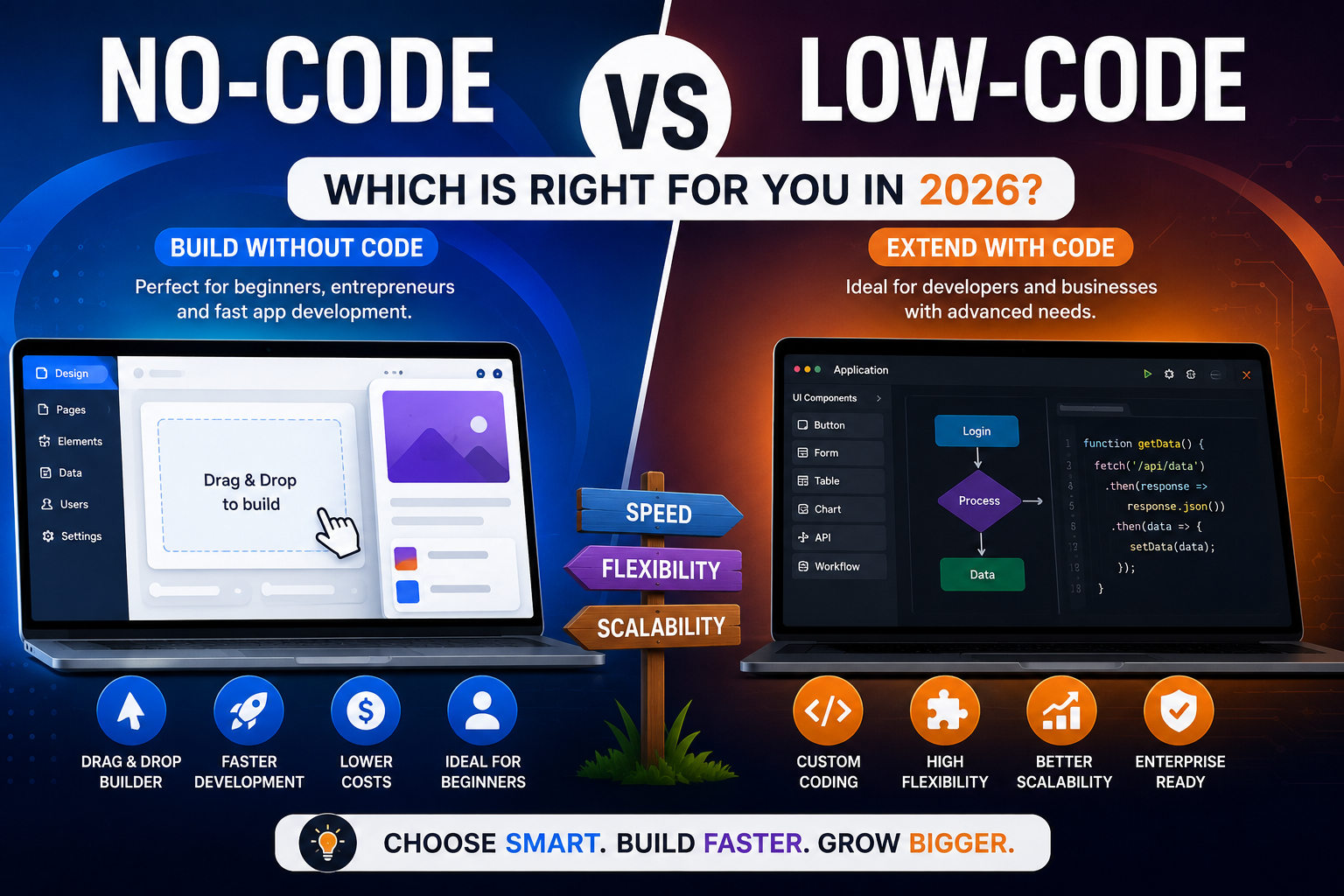
    As digital transformation accelerates across the United States, businesses are searching for faster and more affordable ways to build software. One of the biggest debates today is No-Code vs Low-Code. Both approaches simplify application development, reduce costs, and speed up deployment, but they serve different audiences and project requirements.

    If you’re comparing No-Code vs Low-Code, this guide explains the key differences, advantages, disadvantages, and ideal use cases to help you choose the right development platform in 2026.


    What Is No-Code Development?

    When discussing No-Code vs Low-Code, it’s important to understand what no-code development means.

    No-code platforms allow users to create websites, mobile apps, and business software using visual drag-and-drop builders without writing any code. These platforms are designed for entrepreneurs, business owners, marketers, and non-technical users.

    Popular no-code platforms include:

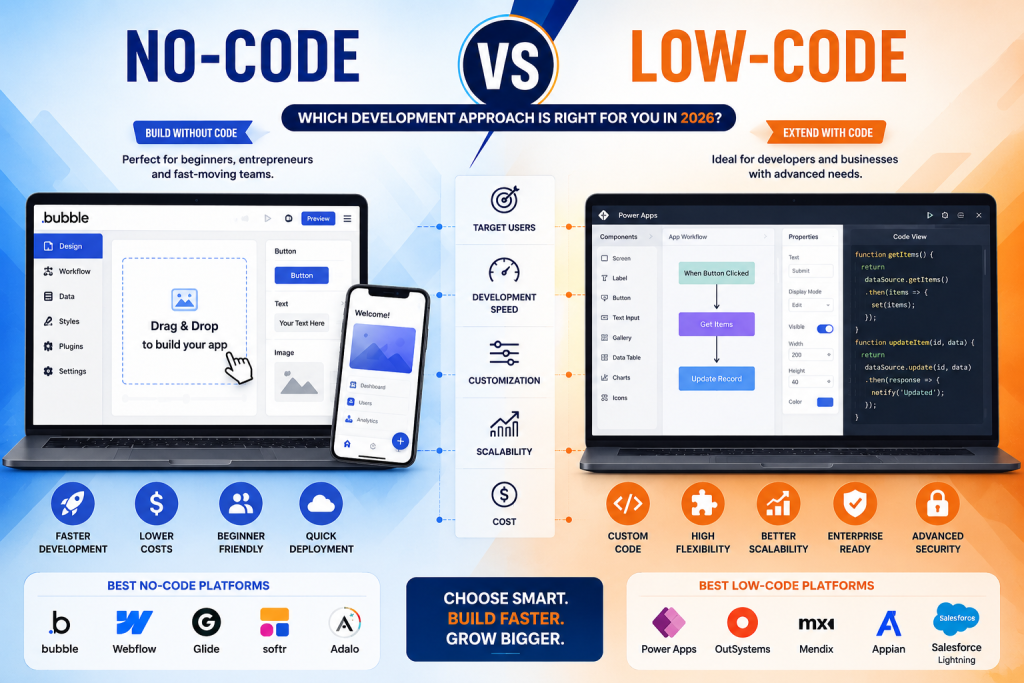
    • Bubble
    • Webflow
    • Glide
    • Softr
    • Adalo

    No-code development makes software creation faster and more accessible.


    What Is Low-Code Development?

    Another key part of No-Code vs Low-Code is understanding low-code development.

    Low-code platforms provide visual development tools while allowing developers to write custom code whenever advanced functionality is needed.

    Popular low-code platforms include:

    • Microsoft Power Apps
    • Mendix
    • OutSystems
    • Appian
    • Salesforce Lightning

    Low-code is ideal for developers who need flexibility while accelerating software delivery.


    No-Code vs Low-Code: Key Differences

    FeatureNo-CodeLow-Code
    Coding RequiredNoneMinimal
    Target UsersBeginners & Business UsersDevelopers & IT Teams
    CustomizationLimitedHigh
    Learning CurveEasyModerate
    Development SpeedVery FastFast
    ScalabilityModerateExcellent
    Enterprise SupportBasicAdvanced

    Understanding these differences makes No-Code vs Low-Code easier to evaluate.


    Advantages of No-Code

    The No-Code vs Low-Code comparison shows several advantages for no-code platforms:

    • No programming knowledge required
    • Faster MVP development
    • Lower development costs
    • Simple drag-and-drop interface
    • Quick deployment
    • Ideal for startups and small businesses

    These benefits make no-code an excellent option for entrepreneurs launching products quickly.


    Advantages of Low-Code

    The No-Code vs Low-Code debate often favors low-code for complex business applications.

    Key benefits include:

    • Greater customization
    • Enterprise-level scalability
    • API integrations
    • Advanced security
    • Better performance
    • Custom business workflows

    Low-code is especially valuable for organizations with internal development teams.

    When Should You Choose No-Code?

    Choose no-code if you want to:

    • Build an MVP quickly
    • Launch a startup
    • Create a website
    • Develop internal tools
    • Build simple mobile apps
    • Reduce development costs

    Many startups choose no-code because it accelerates product validation.


    When Should You Choose Low-Code?

    Choose low-code if you need:

    • Enterprise software
    • Advanced integrations
    • Complex databases
    • Custom workflows
    • High scalability
    • Long-term software growth

    Businesses handling large amounts of data often benefit more from low-code development.


    Best Platforms in 2026

    If you’re evaluating No-Code vs Low-Code, these are among the leading platforms.

    Best No-Code Platforms

    • Bubble
    • FlutterFlow
    • Webflow
    • Glide
    • Softr

    Best Low-Code Platforms

    • Microsoft Power Apps
    • Mendix
    • OutSystems
    • Appian
    • Salesforce Lightning

    Each platform serves different business needs depending on project complexity.


    Which Is Better for Businesses?

    The answer to No-Code vs Low-Code depends on your goals.

    Choose No-Code if:

    • You have limited technical knowledge.
    • You need to launch quickly.
    • You have a smaller budget.
    • Your application is relatively simple.

    Choose Low-Code if:

    • You require advanced customization.
    • Your project must scale significantly.
    • You need enterprise-grade security.
    • Your developers want to extend functionality with custom code.

    Future of No-Code and Low-Code

    The future of No-Code vs Low-Code is driven by artificial intelligence. AI-powered builders now generate interfaces, automate workflows, write code snippets, and improve app performance.

    By 2026, many businesses will combine no-code and low-code tools to accelerate innovation while maintaining flexibility. Hybrid development approaches are expected to become the standard for organizations of all sizes.


    Final Verdict

    The No-Code vs Low-Code decision depends on your technical expertise, budget, and project requirements. No-code platforms are perfect for entrepreneurs, startups, and small businesses looking for speed and simplicity. Low-code platforms offer the customization, scalability, and security required for enterprise applications.

    As AI continues to transform software development in 2026, both no-code and low-code solutions will play a major role in helping businesses build modern applications faster than ever before.


    Frequently Asked Questions (FAQs)

    What is the difference between no-code and low-code?

    No-code requires no programming, while low-code allows developers to add custom code when needed.

    Which is better for beginners?

    No-code platforms are generally better for beginners because they use drag-and-drop interfaces.

    Can businesses use no-code platforms?

    Yes. Many startups and small businesses successfully build websites, internal tools, and apps using no-code platforms.

    Is low-code better for enterprise applications?

    Yes. Low-code platforms provide advanced customization, integrations, and scalability, making them ideal for enterprise software.
  • Best No-Code Platforms (2026): Top 10 No-Code Tools to Build Apps Without Coding

    Best No-Code Platforms (2026): Top 10 No-Code Tools to Build Apps Without Coding

    Best No-Code Platforms (2026): Top 10 No-Code Tools to Build Apps Without Coding

    Best No-Code Platforms for Beginners, Businesses, and Startups in 2026

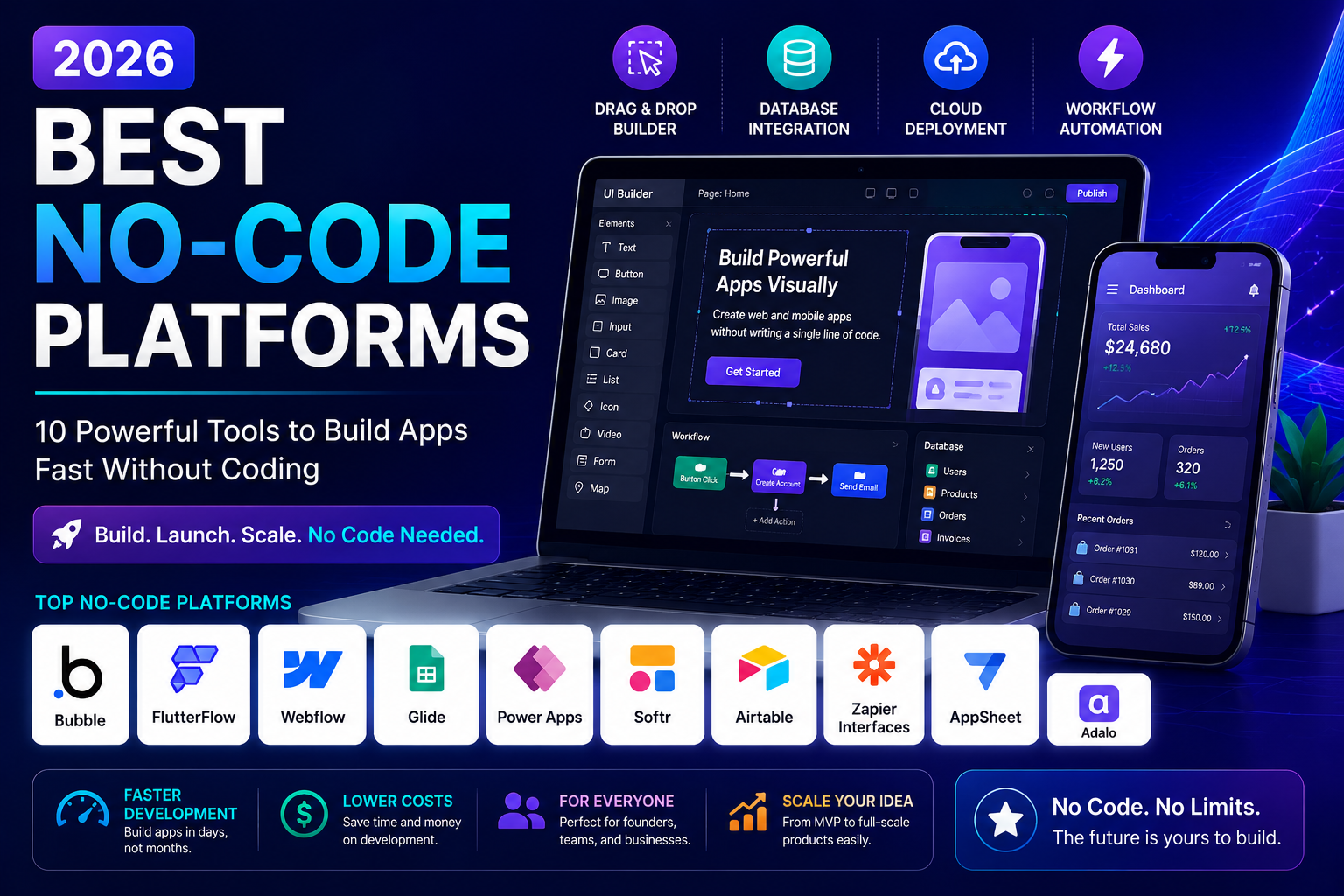
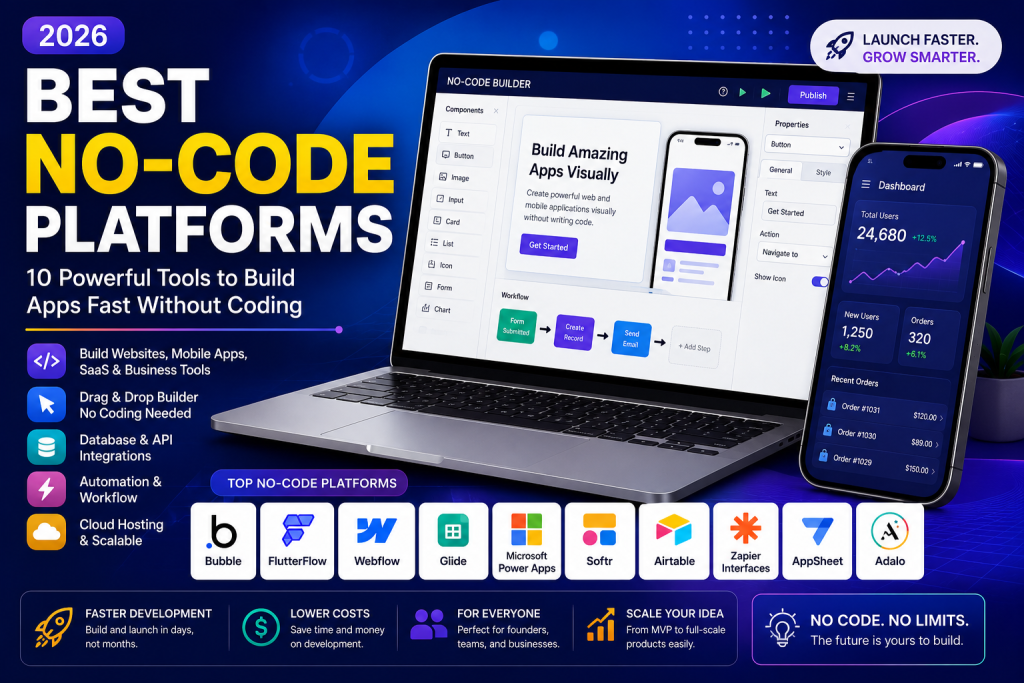
    The demand for no-code development has exploded as businesses and entrepreneurs look for faster ways to build websites, mobile apps, automation tools, and SaaS products without writing code. The Best No-Code Platforms empower anyone—from startup founders to small business owners—to create professional applications quickly and cost-effectively.

    If you’re searching for the Best No-Code Platforms in 2026, this guide compares the top tools, their features, pricing, and ideal use cases to help you choose the right platform.


    Why Choose No-Code Platforms?

    The Best No-Code Platforms allow users to create digital products using visual drag-and-drop builders instead of traditional programming. This approach reduces development time, lowers costs, and makes software creation accessible to everyone.

    Key benefits include:

    • Faster app development
    • Lower development costs
    • No programming skills required
    • Easy integrations
    • Scalable solutions
    • Faster product launches

    As more organizations embrace digital transformation, the Best No-Code Platforms continue to grow in popularity across the United States.


    Best No-Code Platforms in 2026

    Here are the Best No-Code Platforms you should consider this year.

    1. Bubble

    Bubble is one of the Best No-Code Platforms for building web applications, SaaS products, and marketplaces. It offers complete customization, database management, and API integrations without coding.

    Best for: Startups and SaaS founders.


    2. FlutterFlow

    FlutterFlow enables users to create beautiful mobile applications for Android and iOS with a visual interface.

    Best for: Mobile app development.


    3. Webflow

    Webflow combines website design, CMS functionality, and hosting into one powerful platform.

    Best for: Business websites and portfolios.


    4. Glide

    Glide converts spreadsheets into fully functional mobile apps within minutes.

    Best for: Internal business tools.


    5. Microsoft Power Apps

    Power Apps helps businesses build enterprise applications while integrating seamlessly with Microsoft 365.

    Best for: Large organizations.


    6. Adalo

    Adalo makes mobile app creation simple with drag-and-drop functionality and built-in components.

    Best for: Beginners.


    7. Softr

    Softr allows users to build client portals, membership websites, and internal tools using Airtable or Google Sheets.

    Best for: Client portals.


    8. Zapier Interfaces

    Zapier combines workflow automation with simple app creation, making business automation easier than ever.

    Best for: Workflow automation.


    9. Airtable

    Airtable combines databases, project management, and automation into one collaborative platform.

    Best for: Team productivity.


    10. AppSheet

    Google AppSheet allows organizations to create secure business applications directly from spreadsheets and cloud databases.

    Best for: Business process automation.

    These are among the Best No-Code Platforms available for developers, entrepreneurs, and businesses in 2026.


    Features to Look for in the Best No-Code Platforms

    Before selecting one of the Best No-Code Platforms, consider these essential features:

    • Drag-and-drop builder
    • Responsive design
    • API integrations
    • Workflow automation
    • Database support
    • User authentication
    • Mobile compatibility
    • AI-powered tools
    • Cloud hosting
    • Security and scalability

    These capabilities ensure long-term success as your application grows.


    How to Choose the Best No-Code Platform

    Choosing the Best No-Code Platforms depends on your project goals.

    Choose Bubble if:

    You want to build SaaS products or custom web apps.

    Choose FlutterFlow if:

    You need professional Android and iOS mobile apps.

    Choose Webflow if:

    You want an advanced business website or CMS.

    Choose Power Apps if:

    Your business already uses Microsoft products.

    Choose Glide if:

    You need simple internal business applications quickly.

    Understanding your project requirements helps you select the Best No-Code Platforms for your business.


    Advantages of Using No-Code Platforms

    Businesses across the United States increasingly rely on the Best No-Code Platforms because they offer several advantages:

    • Launch products faster
    • Reduce development expenses
    • Improve collaboration
    • Rapid prototyping
    • Easy maintenance
    • Faster innovation

    These benefits make no-code technology attractive for startups and established companies alike.


    Common Mistakes to Avoid

    Even when using the Best No-Code Platforms, avoid these common mistakes:

    • Choosing the wrong platform
    • Ignoring scalability
    • Overcomplicating your app
    • Poor database planning
    • Skipping user testing
    • Neglecting security

    A well-planned project leads to better performance and long-term growth.


    Final Verdict

    The Best No-Code Platforms continue to transform software development by making app creation accessible to everyone. Whether you’re building a startup MVP, business website, mobile app, or internal workflow solution, platforms like Bubble, FlutterFlow, Webflow, Glide, and Microsoft Power Apps provide powerful features without requiring programming knowledge.

    As no-code technology evolves throughout 2026, businesses that adopt these platforms can reduce costs, launch products faster, and stay competitive in an increasingly digital world.


    Frequently Asked Questions (FAQs)

    What are no-code platforms?

    No-code platforms allow users to build websites, mobile apps, and software using visual tools instead of programming.

    Which is the best no-code platform?

    Bubble is often considered one of the best for web applications, while FlutterFlow excels in mobile app development.

    Can I build a business app without coding?

    Yes. Modern no-code platforms make it possible to create professional business applications without writing code.

    Are no-code platforms good for startups?

    Absolutely. They help startups launch MVPs quickly, validate ideas, and reduce development costs.