Tag: AI Design Tools

  • Best AI Graphic Design Tools (2026): Top AI Software for Stunning Visual Designs

    Best AI Graphic Design Tools (2026): Top AI Software for Stunning Visual Designs

    Best AI Graphic Design Tools (2026): Top AI Software for Stunning Visual Designs

    Best AI Graphic Design Tools in 2026

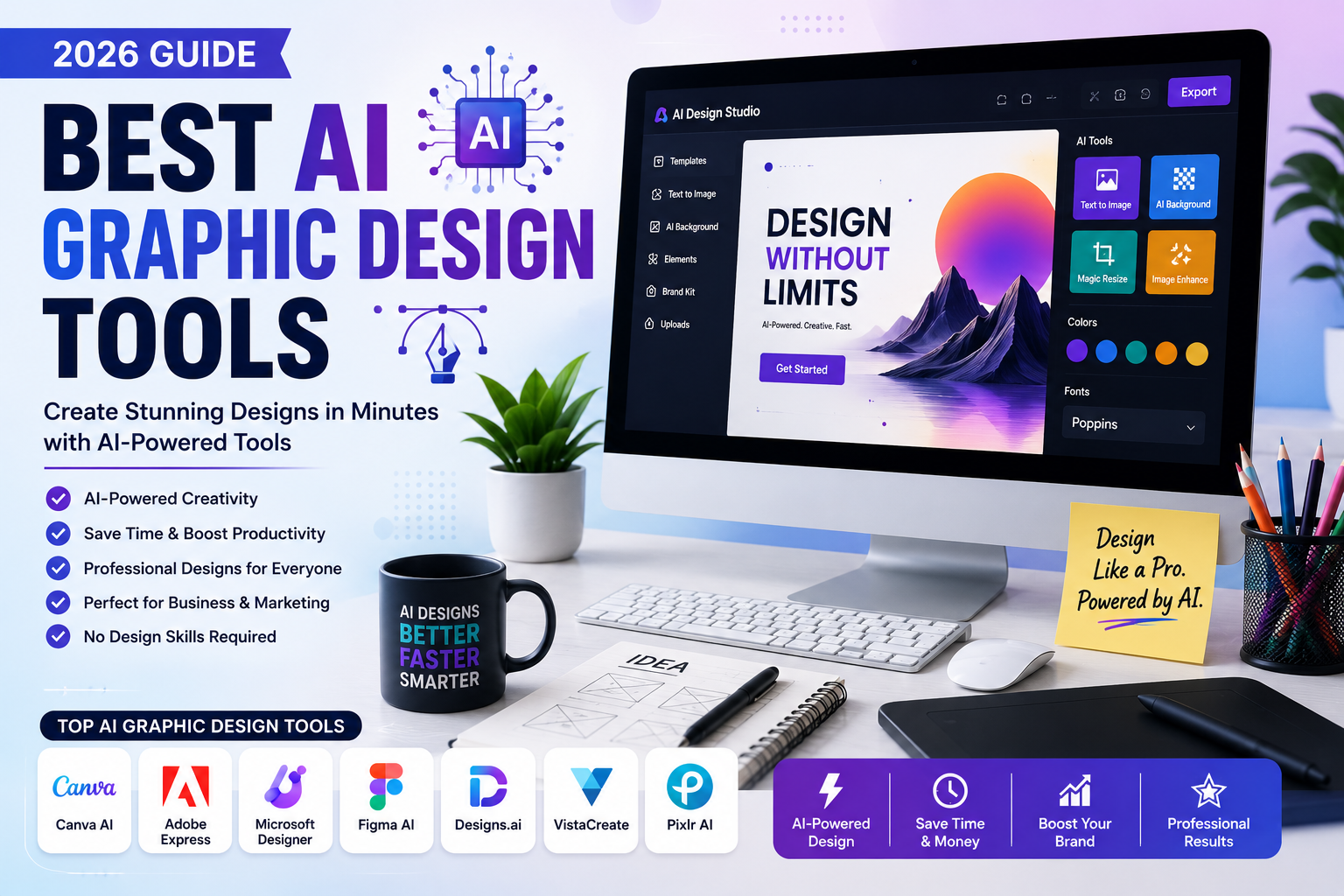
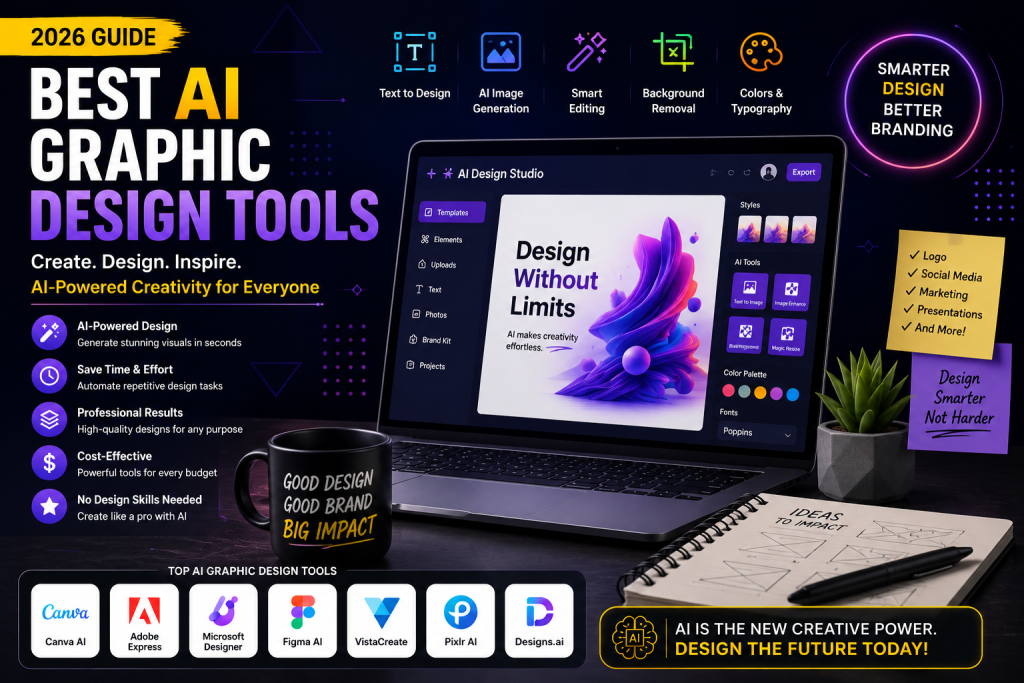
    Creating professional graphics has never been easier thanks to artificial intelligence. Whether you’re a business owner, content creator, marketer, freelancer, or designer, the Best AI Graphic Design Tools can help you create eye-catching visuals in minutes. From social media graphics and presentations to logos and marketing materials, AI-powered design software is transforming the creative industry.

    In this guide, we’ll explore the Best AI Graphic Design Tools available in 2026, comparing their features, pricing, and ideal use cases. If you’re looking to improve your design workflow and produce high-quality visuals faster, this article will help you choose the right AI tool.


    What Are AI Graphic Design Tools?

    AI graphic design tools use artificial intelligence to automate design tasks, generate creative layouts, remove backgrounds, edit images, and create original artwork. Instead of spending hours designing from scratch, users can generate professional-quality graphics with just a few clicks.

    The Best AI Graphic Design Tools make design accessible for beginners while providing advanced features for professionals.


    Why US Businesses Use AI Graphic Design Tools

    Businesses across the United States rely on visual content to attract customers and strengthen their brands. The Best AI Graphic Design Tools help organizations:

    • Create professional marketing materials
    • Design social media posts quickly
    • Produce consistent branding
    • Save time on repetitive design tasks
    • Reduce graphic design costs
    • Improve productivity
    • Generate creative ideas instantly

    1. Canva AI

    Canva AI remains one of the Best AI Graphic Design Tools because of its simplicity and powerful AI features.

    Key Features

    • Magic Design
    • AI image generation
    • Background remover
    • Brand Kit
    • Presentation creator

    Best For: Beginners, marketers, and small businesses.


    2. Adobe Express AI

    Adobe Express combines professional design capabilities with AI automation.

    Key Features

    • AI-powered templates
    • Generative AI
    • Text-to-image
    • Image editing
    • Social media design

    Best For: Designers and creative professionals.


    3. Microsoft Designer

    Microsoft Designer uses AI to create polished graphics in seconds.

    Key Features

    • AI-generated layouts
    • Social media graphics
    • Marketing banners
    • Invitation creator
    • Image enhancement

    Best For: Business users and content creators.


    4. Designs.ai

    Designs.ai is one of the Best AI Graphic Design Tools for businesses needing complete branding solutions.

    Key Features

    • Logo maker
    • AI design assistant
    • Video creator
    • Brand assets
    • Graphic templates

    Best For: Agencies and startups.


    5. VistaCreate

    VistaCreate offers thousands of customizable templates powered by AI.

    Key Features

    • Social media templates
    • Animation tools
    • AI editing
    • Brand Kit
    • Stock library

    Best For: Small businesses and influencers.


    6. Figma AI

    Figma AI helps teams collaborate on UI/UX and graphic design projects.

    Key Features

    • AI design suggestions
    • Wireframe generation
    • Team collaboration
    • Prototype creation
    • Smart editing

    Best For: Product designers and developers.


    7. Pixlr AI

    Pixlr AI simplifies photo editing and creative design.

    Key Features

    • AI image generator
    • Background removal
    • One-click editing
    • Filters and effects
    • Batch editing

    Best For: Freelancers and digital marketers.

    How to Choose the Best AI Graphic Design Tools

    When selecting the Best AI Graphic Design Tools, consider these important factors:

    • Ease of use
    • AI-powered features
    • Template library
    • Image quality
    • Collaboration options
    • File export formats
    • Pricing
    • Customer support

    Choosing the right software depends on your creative needs and budget.


    Benefits of Using AI Graphic Design Tools

    The Best AI Graphic Design Tools offer several advantages:

    • Save hours of design work
    • Create professional-quality visuals
    • Improve brand consistency
    • Automate repetitive editing tasks
    • Generate creative ideas
    • Reduce design costs
    • Increase marketing productivity
    • Support collaboration across teams

    These benefits make AI design software a valuable investment for businesses, freelancers, and creators.


    Pricing Comparison

    ToolStarting Price
    Canva AIFree / Pro
    Adobe Express AIFree / Premium
    Microsoft DesignerFree / Premium
    Designs.aiPaid Plans
    VistaCreateFree / Pro
    Figma AIFree / Paid Plans
    Pixlr AIFree / Premium

    Why the Best AI Graphic Design Tools Matter in 2026

    Visual content is essential for digital marketing, branding, and customer engagement. As competition grows, businesses need high-quality graphics that can be produced quickly and consistently. The Best AI Graphic Design Tools enable users to design logos, advertisements, social media posts, presentations, and promotional materials without extensive design experience.

    Whether you’re managing a marketing campaign, launching a startup, or creating content for social media, AI-powered design tools help you work faster while maintaining professional quality.


    Final Verdict

    Choosing the Best AI Graphic Design Tools depends on your workflow and creative goals. Canva AI is ideal for beginners, Adobe Express AI offers professional-grade features, Microsoft Designer excels in quick content creation, Designs.ai supports branding, VistaCreate is excellent for social media graphics, Figma AI enhances collaborative design, and Pixlr AI simplifies image editing.

    If you want to create stunning visuals, improve productivity, and build a stronger brand in 2026, investing in one of the Best AI Graphic Design Tools is a smart decision. Compare features, explore free plans, and choose the platform that best meets your design needs.


    Frequently Asked Questions (FAQs)

    Which are the Best AI Graphic Design Tools?

    Canva AI, Adobe Express AI, Microsoft Designer, Designs.ai, VistaCreate, Figma AI, and Pixlr AI are among the best AI graphic design tools in 2026.

    Are AI graphic design tools free?

    Many platforms offer free plans with optional premium upgrades for advanced features and commercial assets.

    Can AI create professional graphic designs?

    Yes. Modern AI tools can generate logos, social media graphics, presentations, marketing materials, and other high-quality visual content.

    Are AI graphic design tools worth using?

    Absolutely. They save time, improve productivity, reduce costs, and help users create professional designs without advanced graphic design skills.
  • Canva AI vs Adobe Firefly (2026): Which AI Design Tool Is Better?

    Canva AI vs Adobe Firefly (2026): Which AI Design Tool Is Better?

    Canva AI vs Adobe Firefly (2026): Which AI Design Tool Is Better?

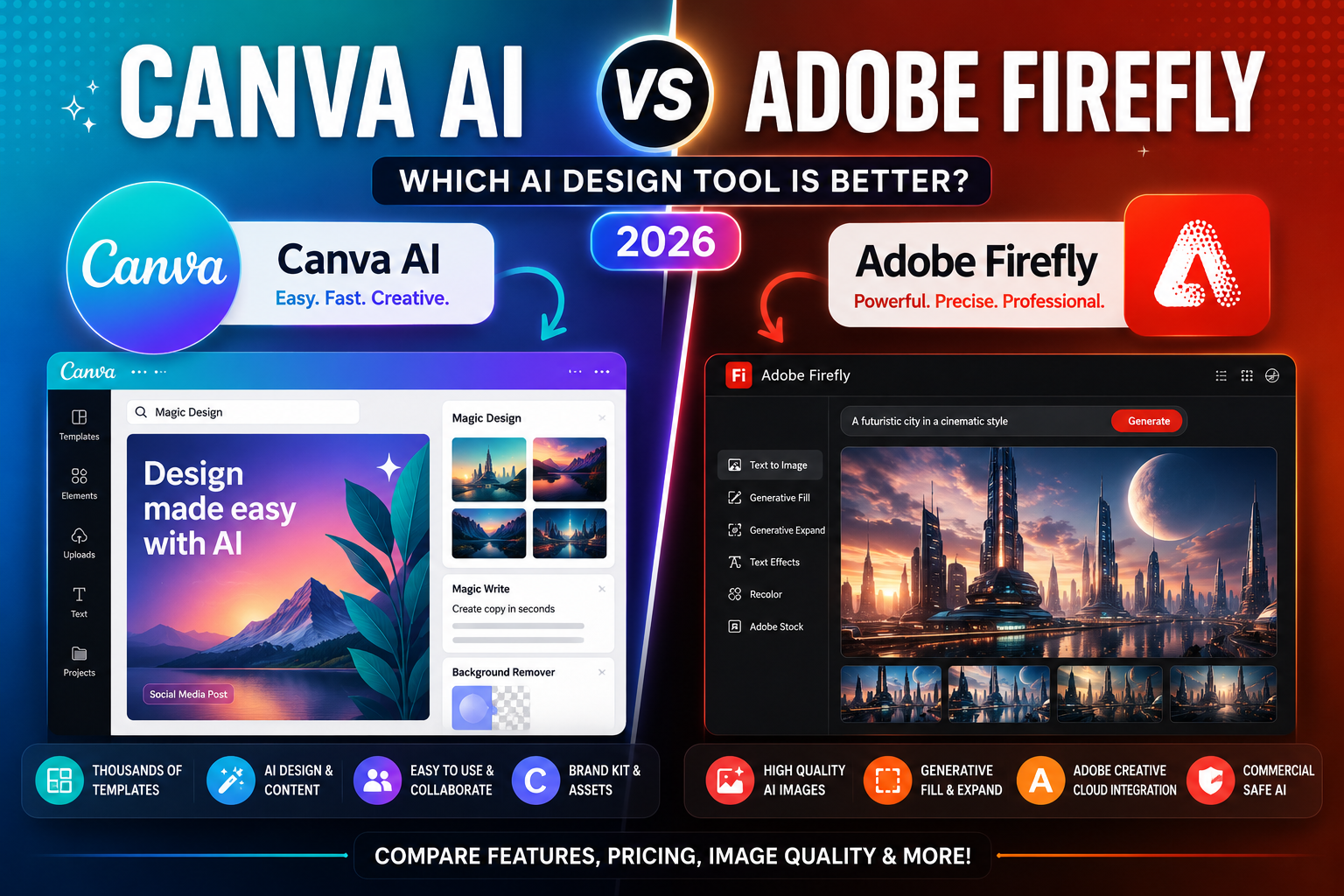
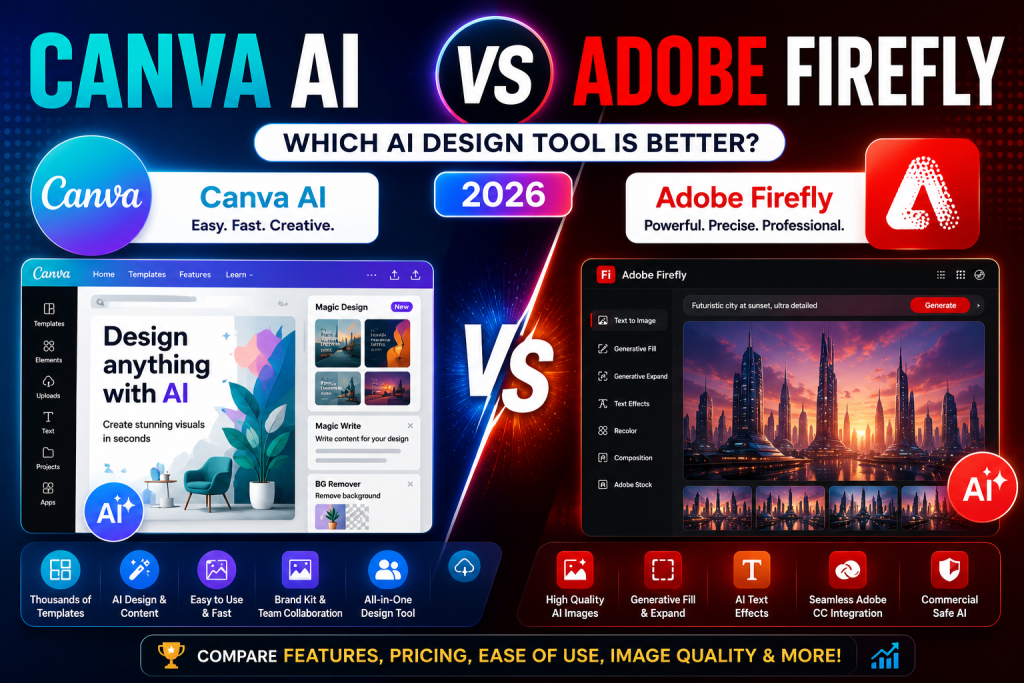
    Artificial intelligence has transformed graphic design, making it easier than ever to create social media graphics, marketing materials, presentations, and digital artwork. Two of the most popular AI-powered design platforms are Canva AI and Adobe Firefly. If you’re comparing Canva AI vs Adobe Firefly, this guide will help you decide which platform is the better choice in 2026.

    Whether you’re a content creator, small business owner, marketer, designer, educator, or entrepreneur in the United States, choosing the right AI design tool can improve your creativity and productivity. In this comparison, we’ll evaluate Canva AI vs Adobe Firefly based on features, ease of use, image quality, AI capabilities, pricing, integrations, and overall value.

    Why Compare Canva AI vs Adobe Firefly?

    Although both platforms use AI to simplify design, they target slightly different audiences and workflows.

    Before choosing one, consider these factors:

    • AI image generation
    • Graphic design capabilities
    • Ease of use
    • Templates and assets
    • Editing tools
    • Brand management
    • Collaboration features
    • Pricing
    • Commercial usage

    Understanding these differences will help you select the AI design platform that best fits your needs.

    Canva AI vs Adobe Firefly: Quick Overview

    Canva AI

    Canva AI combines an intuitive drag-and-drop editor with AI-powered features such as Magic Design, Magic Write, background removal, text-to-image generation, and presentation creation. It is designed to help users create professional-looking content quickly without advanced design skills.

    Best Features

    • Magic Design
    • AI image generation
    • Thousands of templates
    • Background remover
    • Brand Kit
    • Team collaboration

    Best For

    Small businesses, marketers, educators, students, content creators, and social media managers.


    Adobe Firefly

    Adobe Firefly is Adobe’s generative AI platform focused on professional-quality image creation and creative editing. It integrates with Adobe Creative Cloud applications, giving designers powerful AI tools inside familiar workflows.

    Best Features

    • Text-to-image generation
    • Generative Fill
    • Generative Expand
    • AI text effects
    • Commercial-friendly generated content
    • Adobe Creative Cloud integration

    Best For

    Professional designers, photographers, creative agencies, and digital artists.

    Canva AI vs Adobe Firefly: Feature Comparison

    AI Image Generation

    When comparing Canva AI vs Adobe Firefly, both platforms produce impressive AI-generated visuals.

    Canva AI emphasizes speed and simplicity, allowing users to generate graphics directly inside ready-made templates.

    Adobe Firefly offers more creative control and produces highly detailed images suitable for professional design projects.

    Ease of Use

    Canva AI is one of the easiest design tools available. Beginners can quickly create graphics without prior experience.

    Adobe Firefly provides a more advanced creative environment. While still user-friendly, users familiar with Photoshop and Illustrator will benefit the most.

    Templates and Design Resources

    Canva includes millions of templates, stock photos, icons, fonts, and design elements for almost every use case.

    Adobe Firefly focuses more on AI-powered creativity than pre-designed templates, making it better suited for custom visual creation.

    Collaboration

    Canva offers excellent collaboration features for teams, including shared workspaces, comments, and Brand Kits.

    Adobe Firefly works well within Creative Cloud, making collaboration efficient for professional design teams using Adobe products.

    Pricing

    Both platforms offer free plans with premium upgrades.

    Canva Pro unlocks additional templates, premium assets, and advanced AI tools.

    Adobe Firefly premium plans provide more generative AI credits and deeper Creative Cloud integration.

    Pros and Cons

    Canva AI

    Pros

    • Extremely beginner-friendly
    • Massive template library
    • Fast content creation
    • Great collaboration features
    • Affordable pricing

    Cons

    • Limited advanced editing compared to Adobe.
    • Some premium assets require a paid subscription.

    Adobe Firefly

    Pros

    • Professional-quality AI image generation
    • Powerful creative editing tools
    • Excellent Creative Cloud integration
    • Strong commercial licensing support
    • Advanced generative AI features

    Cons

    • More suitable for experienced users.
    • Full functionality works best with Adobe’s ecosystem.

    Who Should Choose Canva AI?

    Choose Canva AI if you need:

    • Social media graphics
    • Marketing materials
    • Presentations
    • Quick design projects
    • Team collaboration
    • Easy-to-use design software

    Who Should Choose Adobe Firefly?

    Choose Adobe Firefly if you need:

    • Professional image generation
    • Advanced photo editing
    • Creative artwork
    • Adobe Photoshop integration
    • Commercial creative projects
    • High-end design workflows

    Final Verdict

    When comparing Canva AI vs Adobe Firefly, there is no single winner because each platform serves different creative needs.

    Canva AI is the best choice for beginners, marketers, educators, and small businesses looking to create professional designs quickly with minimal effort. Its templates, collaboration tools, and intuitive interface make it an excellent all-around design platform.

    Adobe Firefly is better suited for professional designers, photographers, and creative agencies that require advanced AI image generation, detailed editing, and seamless integration with Adobe Creative Cloud.

    As AI-powered design continues to evolve throughout 2026, both tools are becoming more capable and accessible. Your ideal choice depends on your experience level, creative workflow, budget, and the types of projects you create. By understanding the strengths of Canva AI vs Adobe Firefly, you can confidently select the AI design platform that best supports your creative and business goals.